Product Photo to Manual Illustration
Turn product photos into instruction manual pictures
Use your real product images as references, then generate clean manual illustrations for setup, use, care, and support.
Photo to manual figure
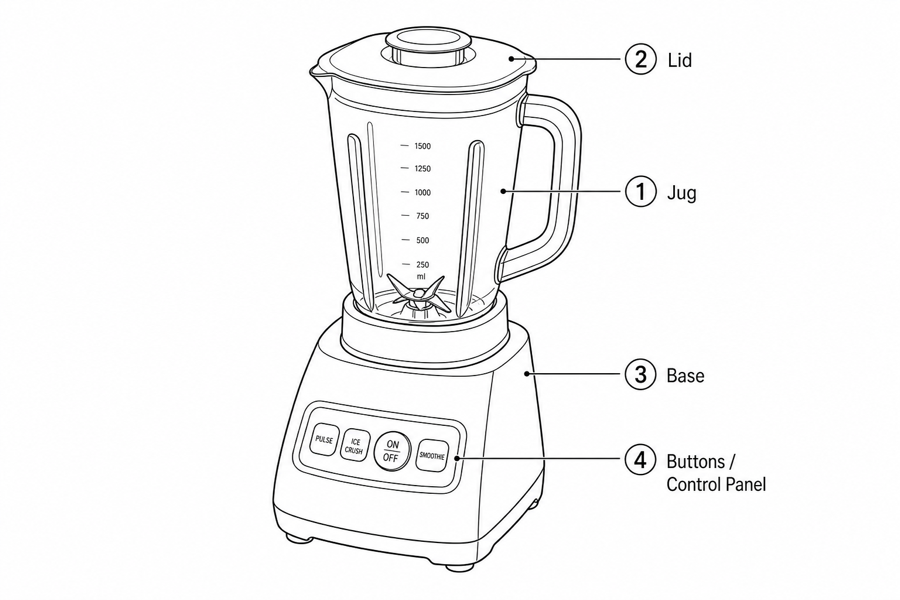 Example output
Output: manual-ready line art
What ManualFig extracts from a photo
The goal is not to reproduce the photo. The goal is to create a readable instruction figure.
Product shape and orientation
Preserve the product silhouette, visible parts, connection points, and view angle users need.
Action path
Add arrows, ghost states, detail circles, and before/after states to make the operation visible.
Safety and completion cues
Show warnings, forbidden actions, lock states, checks, and final confirmation where needed.
Input → manual line art → editable export
Generate a first draft in the tool above, then open /generate to select the image, keep editing, make new versions, and export.
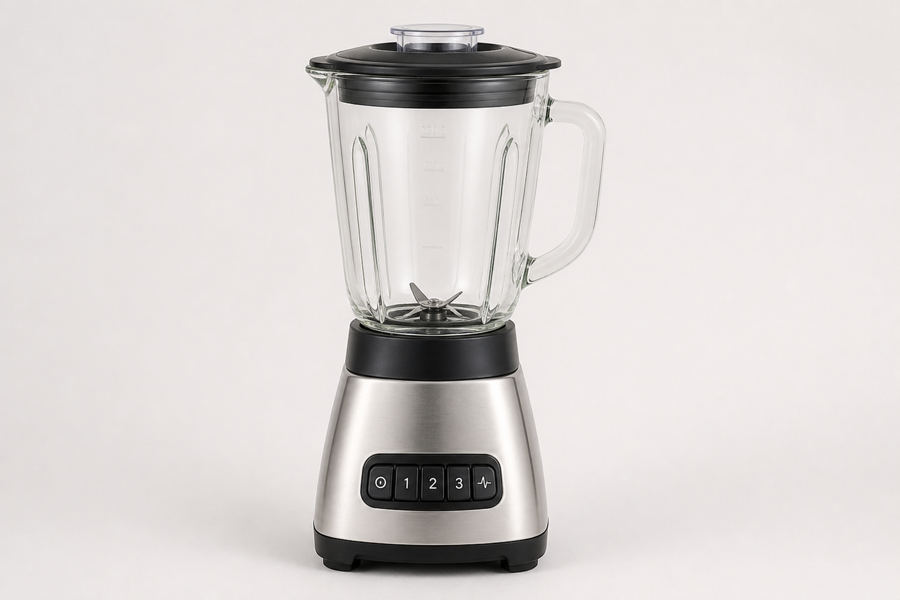
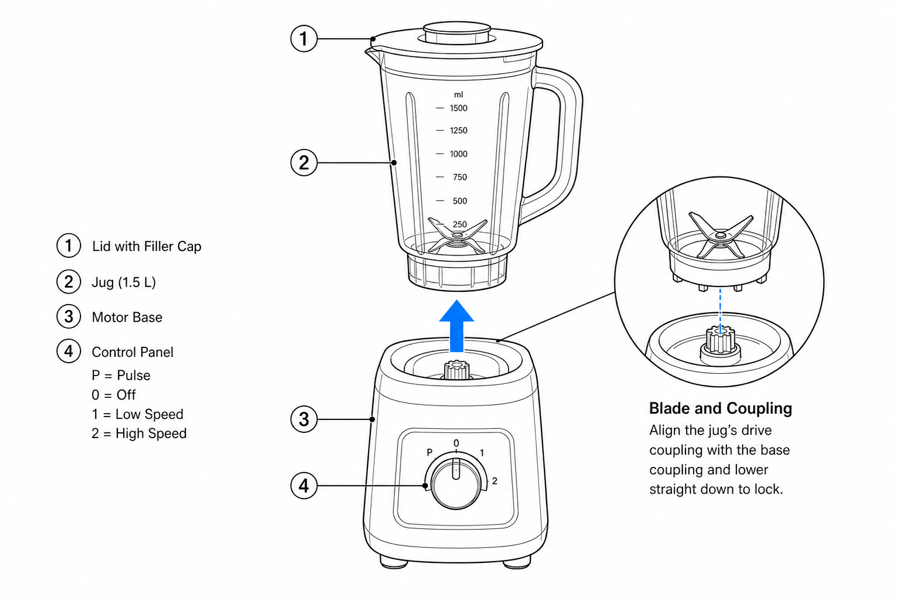
From product reference to manual-ready output
ManualFig keeps the prompt, uploaded references, generated options, revisions, and exports in one browser workflow.
Upload or describe the product
Start from a product photo, CAD screenshot, sketch, existing manual page, or a short step list.
Generate the instruction visual
Create line art, numbered panels, arrows, callouts, detail views, warnings, and completion checks.
Refine and export
Select a result, revise it with text, keep versions together, and export PNG or SVG for documentation.
Related ManualFig pages
ManualFig helps teams avoid tracing photos by hand. Upload a product reference, describe the user action, and generate manual-ready visuals that focus on the parts and steps that matter.
Product Photo to Manual Illustration FAQ
Can I turn product photos into manual illustrations?
Yes. Upload a product photo and describe the instruction. ManualFig uses the image as a reference and generates a cleaner manual-style visual.
What kind of photo works best?
Clear photos with the relevant part visible work best. CAD screenshots, prototype shots, and existing manual scans can also help.
Can I ask for line art instead of a shaded illustration?
Yes. You can request black-and-white line art, grayscale diagrams, simple color accents, or style references.
Can generated illustrations be edited?
Yes. Select a result and describe the revision, such as changing an arrow, removing detail, adding a warning, or adjusting the panel count.
Convert your product photo into a manual picture
Upload a reference image, describe the step, and create a manual-ready illustration.