AI Instruction Manual Diagram Generator
An AI manual generator for instruction diagrams
Manual AI that turns photos, CAD screenshots, sketches, prompts, and procedure drafts into manual-ready diagrams.
AI manual figure
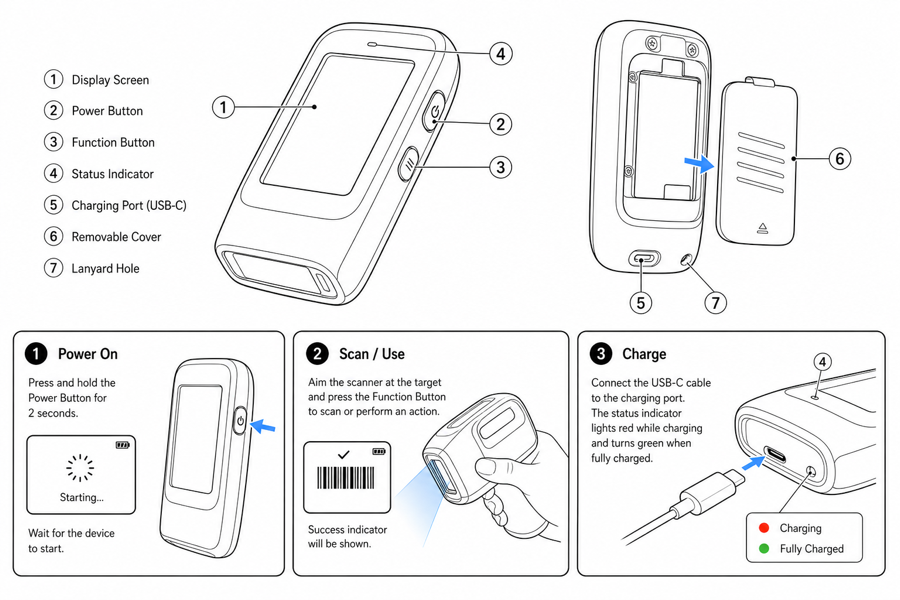 Example output
Output: manual-ready line art
What this AI workflow is optimized for
ManualFig is tuned for documentation artwork rather than generic image generation.
Instruction-first composition
One action per panel, clear arrows, readable product orientation, and visible completion state.
Reference-guided product shape
Use photos or CAD screenshots to keep the product recognizable while simplifying visual noise.
Documentation handoff
Keep results in project history, revise selected figures, and export final assets.
Input → manual line art → editable export
Generate a first draft in the tool above, then open /generate to select the image, keep editing, make new versions, and export.
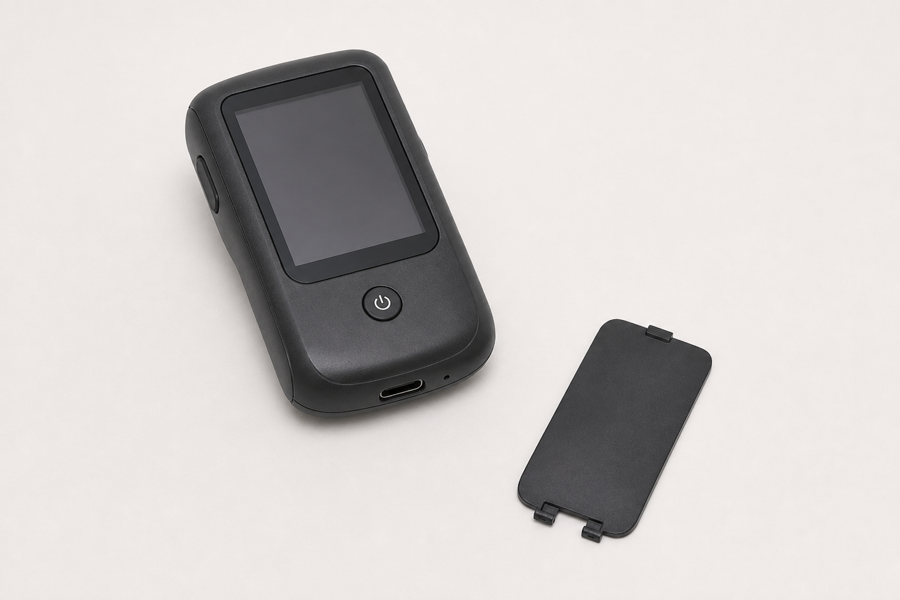
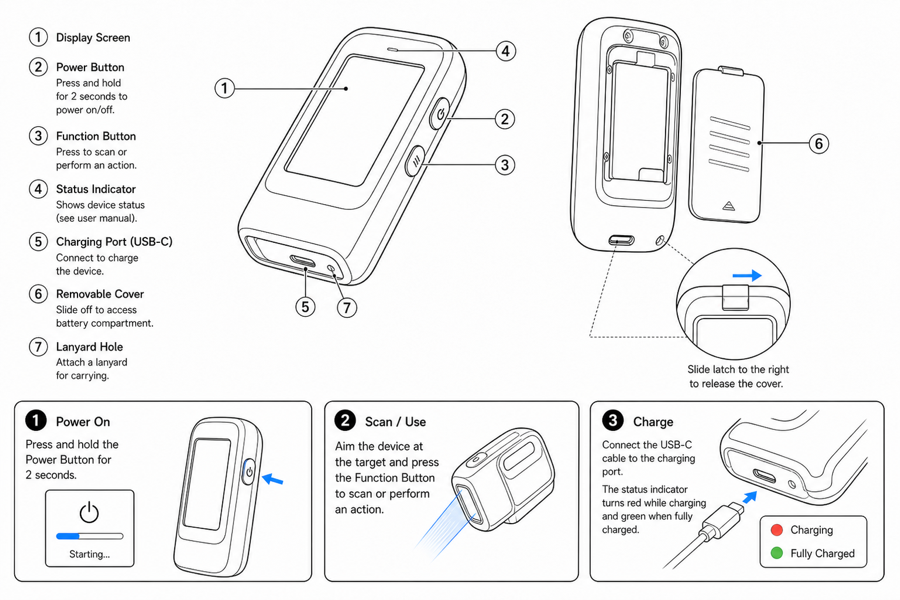
From product reference to manual-ready output
ManualFig keeps the prompt, uploaded references, generated options, revisions, and exports in one browser workflow.
Upload or describe the product
Start from a product photo, CAD screenshot, sketch, existing manual page, or a short step list.
Generate the instruction visual
Create line art, numbered panels, arrows, callouts, detail views, warnings, and completion checks.
Refine and export
Select a result, revise it with text, keep versions together, and export PNG or SVG for documentation.
Related ManualFig pages
ManualFig turns product context into instruction artwork: line drawings, numbered panels, arrows, callouts, warnings, and exportable PNG or SVG assets.
AI Instruction Manual Diagram Generator FAQ
What is an AI instruction manual diagram generator?
It is a workflow that turns prompts, reference images, and procedures into manual diagrams: line art, numbered panels, arrows, callouts, warnings, and completion states.
What manual diagrams can ManualFig create?
Product line art, user manual diagrams, IFU panels, exploded assembly views, maintenance sequences, installation diagrams, and correct/incorrect comparisons.
Can ManualFig start from product photos?
Yes. Product photos, CAD screenshots, sketches, and existing manual pages can guide the generated diagram.
Is ManualFig an AI manual generator?
Yes, with a figure-first focus. ManualFig generates the illustrations that go inside manuals — line art, numbered step panels, callouts, and warnings — rather than writing the manual text itself. It pairs with whatever authoring tool your team already uses.
Can AI generate a user manual from photos?
AI can generate the visual half from photos. Upload product photos and ManualFig turns them into manual-ready diagrams and step panels; the written steps, review, and final layout stay in your hands.
Does AI generation replace documentation review?
No. ManualFig speeds up artwork creation, but teams should still validate steps, warnings, labels, and regulated content before publishing.
Generate your first instruction manual diagram
Start with a prompt, product photo, or procedure draft and create manual-ready visual options.