Technical Illustration Generator
Generate technical illustrations for product manuals
Create line art, exploded views, callout diagrams, and instruction visuals from product references.
Technical illustration
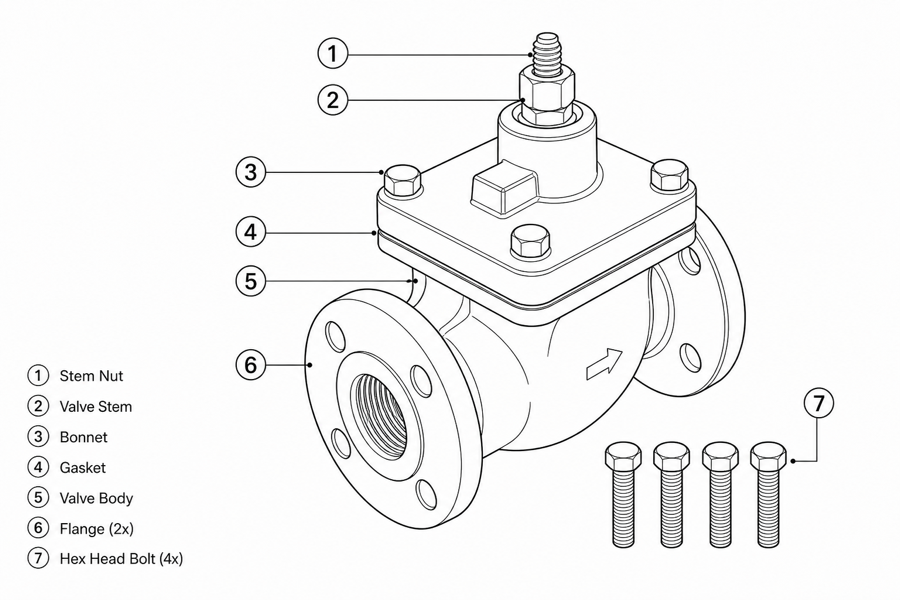 Example output
Output: manual-ready line art
Technical illustration jobs ManualFig can support
Use it where product form, action, and safety context matter more than photorealism.
Part and callout diagrams
Show buttons, ports, filters, fasteners, handles, latches, and replaceable parts.
Exploded and assembly views
Explain how parts align, connect, lock, tighten, or separate during assembly.
Installation and service visuals
Document wiring, mounting, access, inspection, replacement, and final verification.
Input → manual line art → editable export
Generate a first draft in the tool above, then open /generate to select the image, keep editing, make new versions, and export.
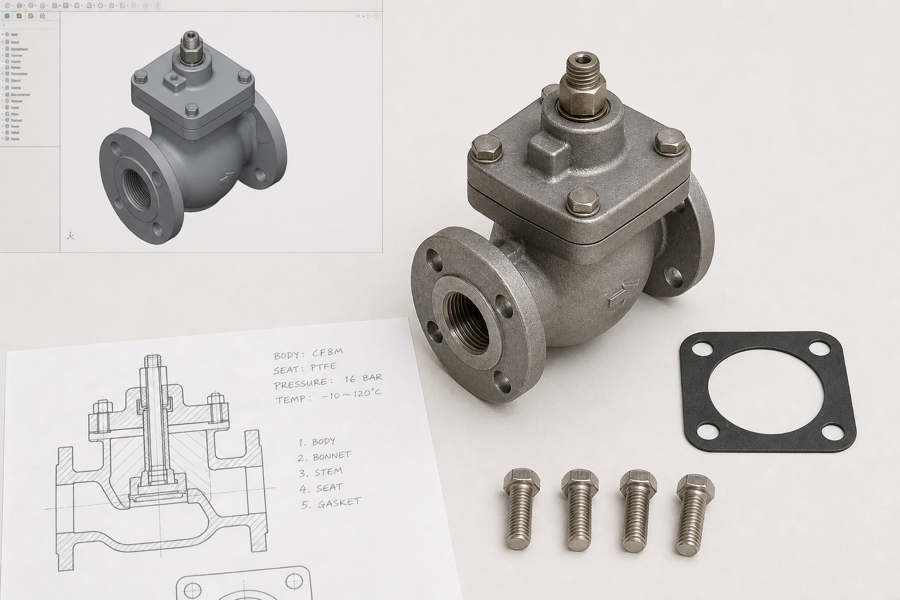
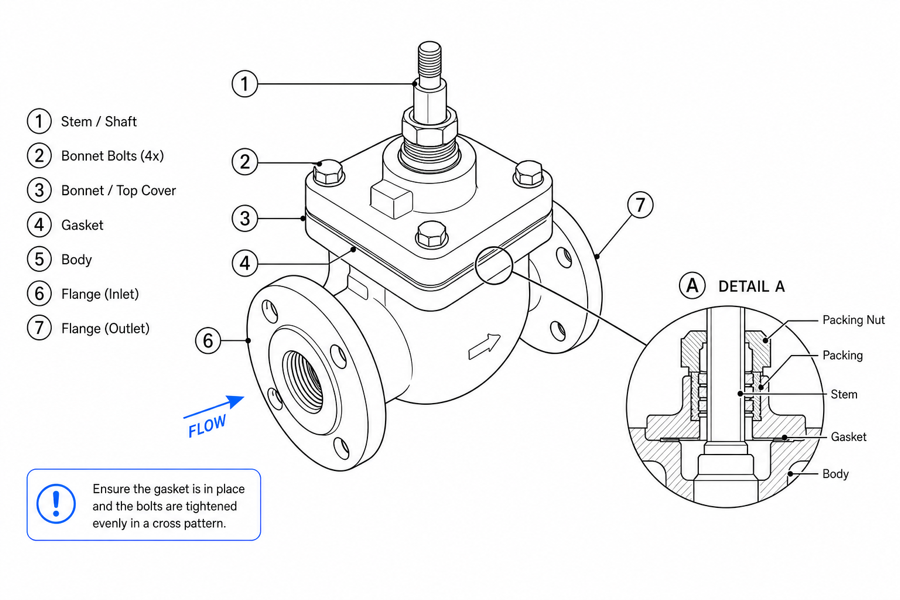
From product reference to manual-ready output
ManualFig keeps the prompt, uploaded references, generated options, revisions, and exports in one browser workflow.
Upload or describe the product
Start from a product photo, CAD screenshot, sketch, existing manual page, or a short step list.
Generate the instruction visual
Create line art, numbered panels, arrows, callouts, detail views, warnings, and completion checks.
Refine and export
Select a result, revise it with text, keep versions together, and export PNG or SVG for documentation.
Related ManualFig pages
ManualFig is built for documentation-grade technical illustration: clear product geometry, restrained line work, arrows, callouts, and manual-safe visual simplification.
Technical Illustration Generator FAQ
What is a technical illustration for manuals?
It is a functional product diagram that explains structure, action, orientation, sequence, or safety context in a clear visual style.
Can ManualFig generate exploded views?
Yes. You can ask for exploded assembly views, part separations, callout circles, and orientation arrows.
Can it use CAD screenshots?
Yes. CAD screenshots can be uploaded as references, then simplified into documentation-friendly art.
Is this suitable for certified engineering documents?
ManualFig creates explanatory artwork. Certified engineering drawings, dimensions, and regulated claims still need specialist review.
Create a technical illustration for your manual
Start with a product reference and describe the structure or action the drawing must explain.