Troubleshooting Guide Illustration Generator
Generate troubleshooting guide illustrations
Turn support procedures into diagnostic visuals for checks, resets, cleaning, replacement, and final confirmation.
Troubleshooting figure
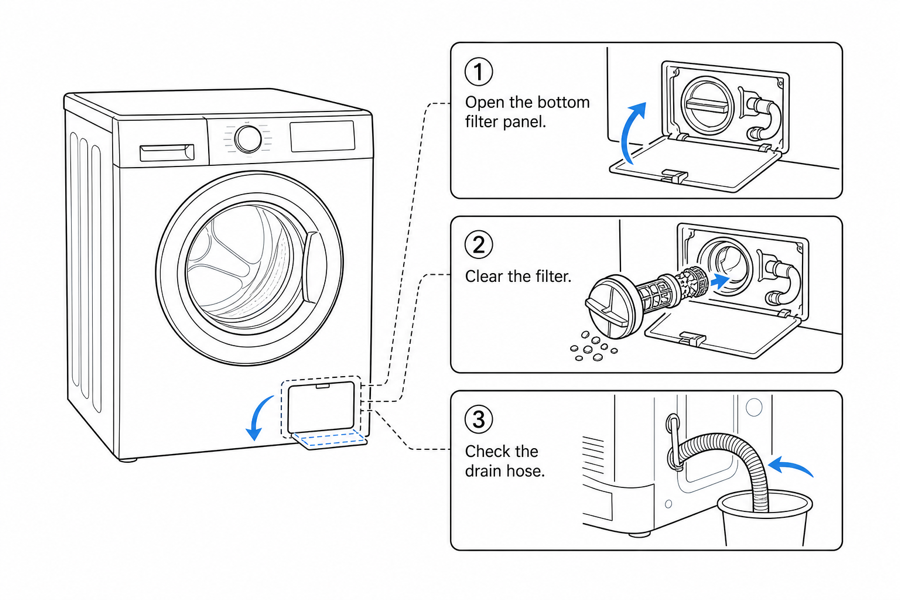 Example output
Output: manual-ready line art
Troubleshooting visuals this supports
Use diagrams when the support answer depends on a physical location, state, or repeated check.
Diagnostic checks
Show indicator lights, switches, ports, filters, covers, seals, locks, or error states.
Reset and replacement steps
Turn support macros into numbered actions with arrows, detail callouts, and final checks.
Customer-safe wording
Show what users can safely do and when the guide should tell them to contact support.
Input → manual line art → editable export
Generate a first draft in the tool above, then open /generate to select the image, keep editing, make new versions, and export.
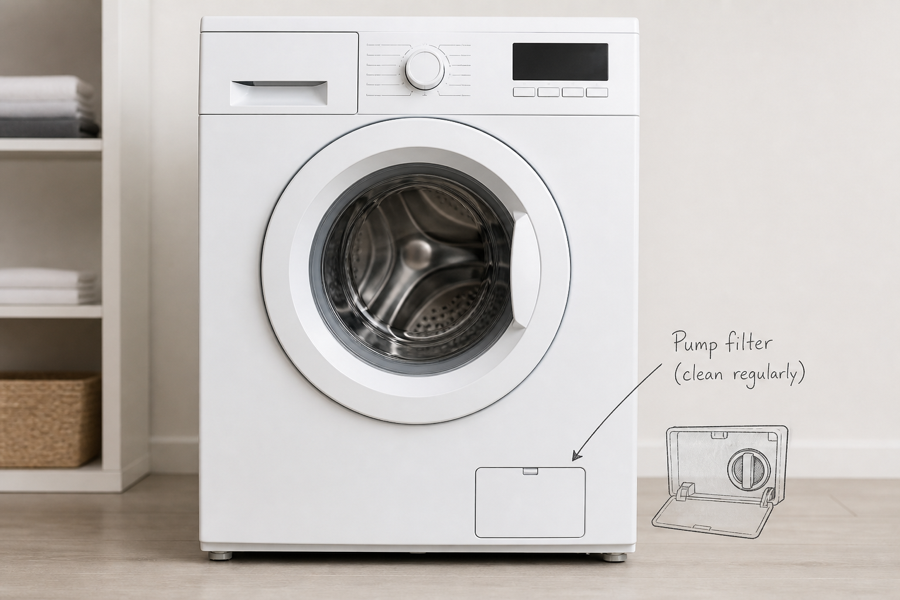
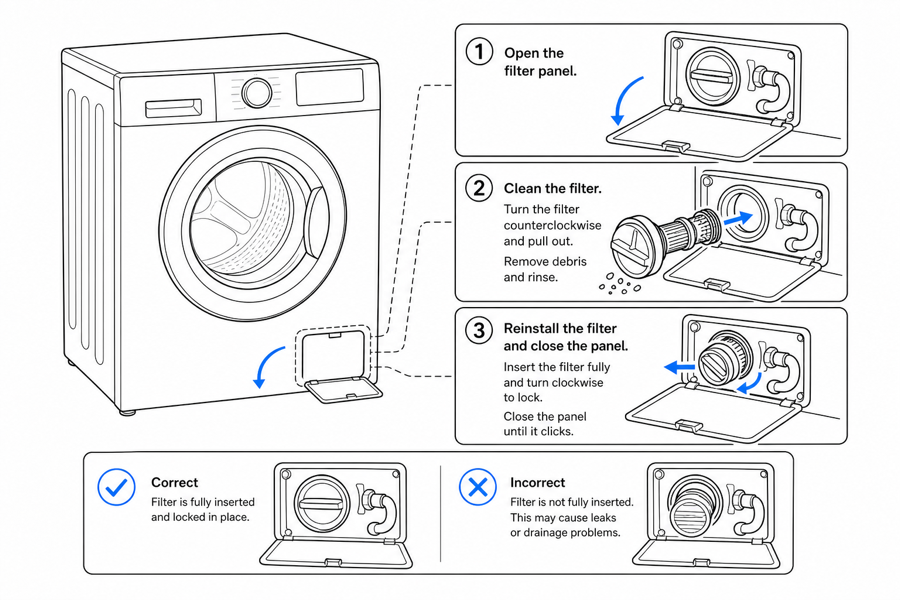
From product reference to manual-ready output
ManualFig keeps the prompt, uploaded references, generated options, revisions, and exports in one browser workflow.
Upload or describe the product
Start from a product photo, CAD screenshot, sketch, existing manual page, or a short step list.
Generate the instruction visual
Create line art, numbered panels, arrows, callouts, detail views, warnings, and completion checks.
Refine and export
Select a result, revise it with text, keep versions together, and export PNG or SVG for documentation.
Related ManualFig pages
ManualFig helps support and documentation teams convert repeated customer questions into clear visual steps for manuals, help centers, and technician guides.
Troubleshooting Guide Illustration FAQ
How do I turn a recurring support ticket into a useful diagram?
Start from the customer message, not the answer. "Light blinks red after I plug it in" becomes one panel showing the red blink, one panel showing the cable check, one panel showing the green steady state. Each panel maps to one back-and-forth the agent used to type out.
How is a troubleshooting panel different from a maintenance panel?
A maintenance panel says "do these steps on schedule." A troubleshooting panel says "if X happens, check Y." The first is sequential; the second is branching. If the user has to decide which path to follow based on a symptom, you need troubleshooting layout — usually a symptom panel plus 2-3 check panels, not a linear sequence.
Can ManualFig show error states?
Yes. You can request indicator lights, clogged filters, open covers, incorrect alignment, loose connectors, or OK/X comparisons.
Does this replace technical support review?
No. Support, product, or engineering teams should review any fix that affects safety, warranty, or service policy.
Turn a support answer into a visual guide
Describe the symptom, checks, and final state, then generate troubleshooting panels.