Safety Instruction Illustration Generator
Generate safety instruction illustrations
Create warning, do-not-do, correct/incorrect, pinch point, handling, lock, and final-check panels for manuals.
Safety figure
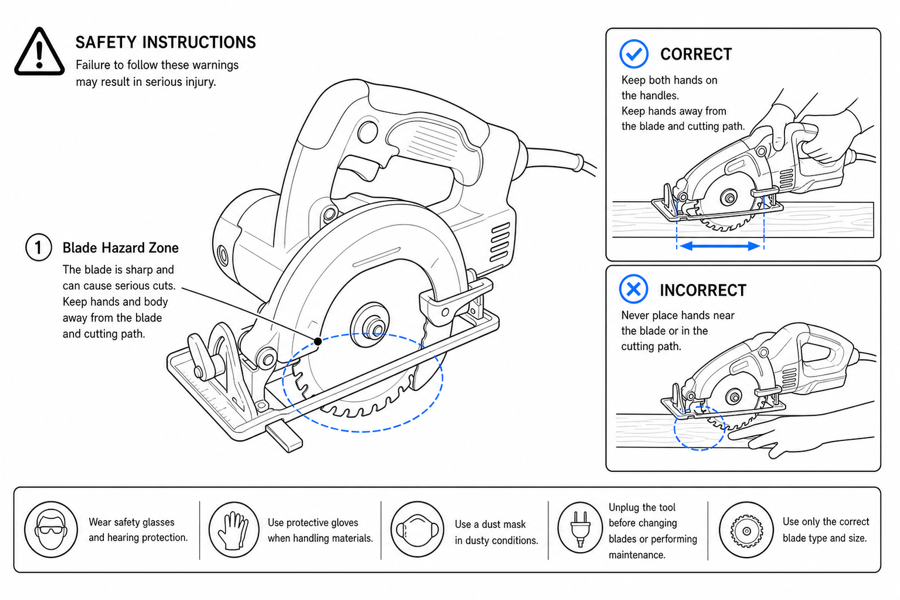 Example output
Output: manual-ready line art
Safety panels ManualFig can draft
Use safety visuals when the user must avoid a specific action or confirm a safe state.
Correct/incorrect when the error looks almost right
Cable partly seated, latch closed-but-not-locked, seal twisted under the cover — the visual difference has to survive print scale.
Risk callouts at the user contact point
Mark the exact pinch point, hot surface, sharp edge, water exposure, polarity, or load — not a vague triangle on the corner of the page.
Drafts shaped for the review pipeline
Each panel is generated separately so product, support, legal, and regulatory reviewers can flag one thing at a time instead of redoing the page.
Input → manual line art → editable export
Generate a first draft in the tool above, then open /generate to select the image, keep editing, make new versions, and export.
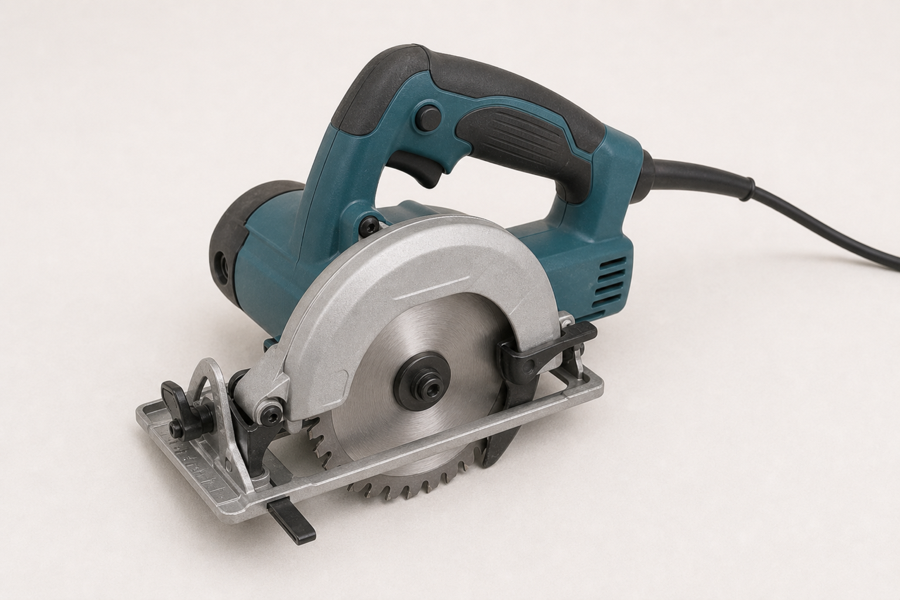
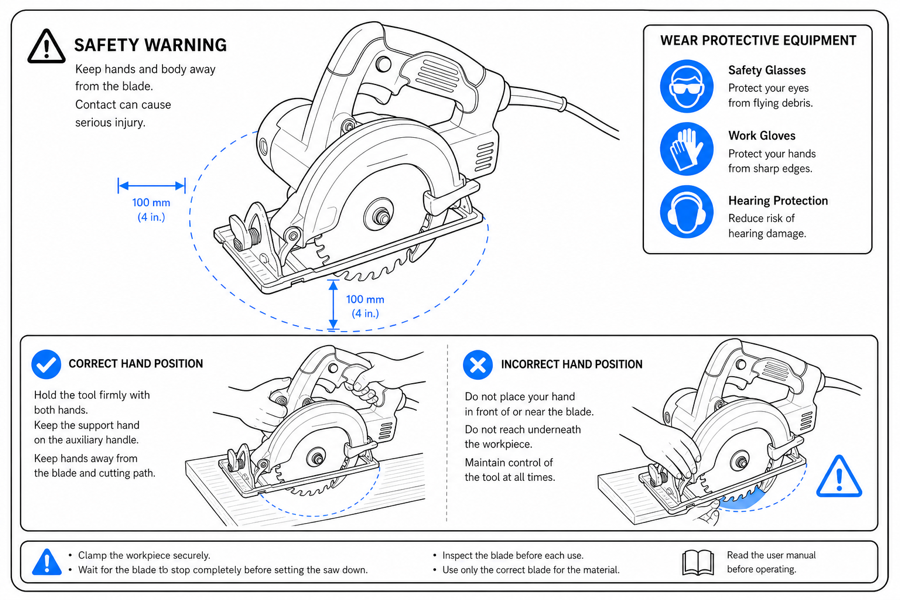
From product reference to manual-ready output
ManualFig keeps the prompt, uploaded references, generated options, revisions, and exports in one browser workflow.
Upload or describe the product
Start from a product photo, CAD screenshot, sketch, existing manual page, or a short step list.
Generate the instruction visual
Create line art, numbered panels, arrows, callouts, detail views, warnings, and completion checks.
Refine and export
Select a result, revise it with text, keep versions together, and export PNG or SVG for documentation.
Related ManualFig pages
ManualFig drafts the safety panel for the exact step where the risk appears — pinch point, hot surface, reversed polarity, unstable load. The draft is what you send to product, legal, or regulatory review, not what you ship.
Safety Instruction Illustration FAQ
When should I use a warning panel vs a correct/incorrect pair?
Use a warning panel when the safest action is "do not do this at all." Use a correct/incorrect pair when the user has to do the action, but might do it in a way that looks almost right (cable partly seated, latch not fully locked).
How do I show a hidden hazard the user cannot see?
Pair the main panel with a close-up callout that shows what the part looks like underneath the cover, behind the latch, or inside the housing. Without the callout, "hidden hazard" stays hidden in the figure too.
Can I add warning icons?
Yes for generic visual cues — caution triangles, hand-pinch, hot-surface, water-drop symbols. No for certification marks (UL, CE, ISO) or regulatory symbols unless your team supplies and approves the asset.
Where in the manual should the safety visual sit?
In the panel that triggers the risk. A pinch-point warning at the front of the manual is too early; the user has already turned the page by the time they reach the cover. Place it on the cover-closing panel itself.
Draft a safety instruction panel
Describe the risky step, safe behavior, and review notes, then generate a visual draft.