User Manual Illustration Generator
Create user manual illustrations users can follow
Generate clear pictures for setup, operation, care, warnings, and troubleshooting pages.
User manual figure
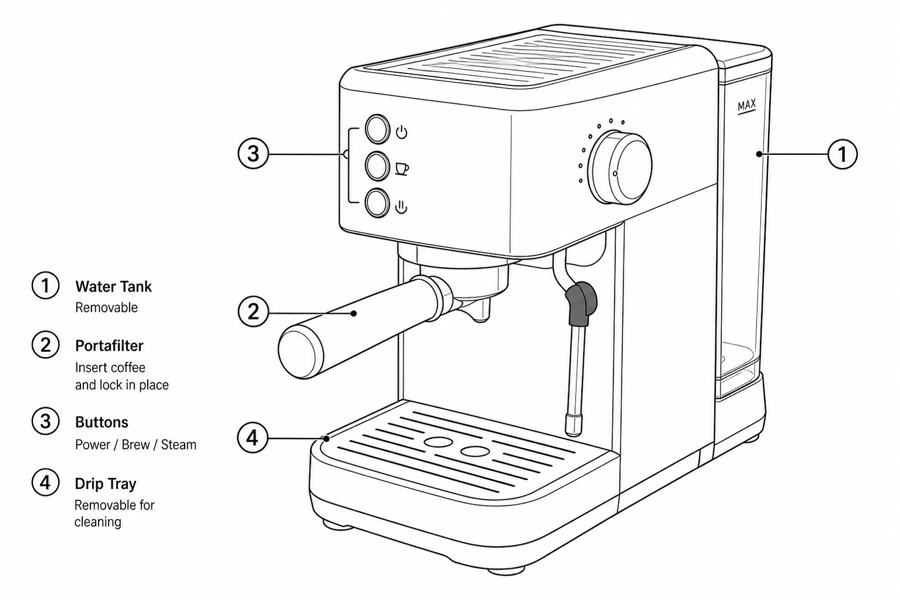 Example output
Output: manual-ready line art
User manual illustrations that lower friction
Use illustrations wherever customers hesitate, make mistakes, or repeatedly contact support.
First-use guidance
Show setup order, charging state, pairing steps, orientation, and first-use checks.
Safe operation
Clarify correct handling, forbidden actions, warning areas, child safety, and disposal cues.
After-sale support
Create visuals for cleaning, replacement, troubleshooting, resetting, and storage.
Input → manual line art → editable export
Generate a first draft in the tool above, then open /generate to select the image, keep editing, make new versions, and export.
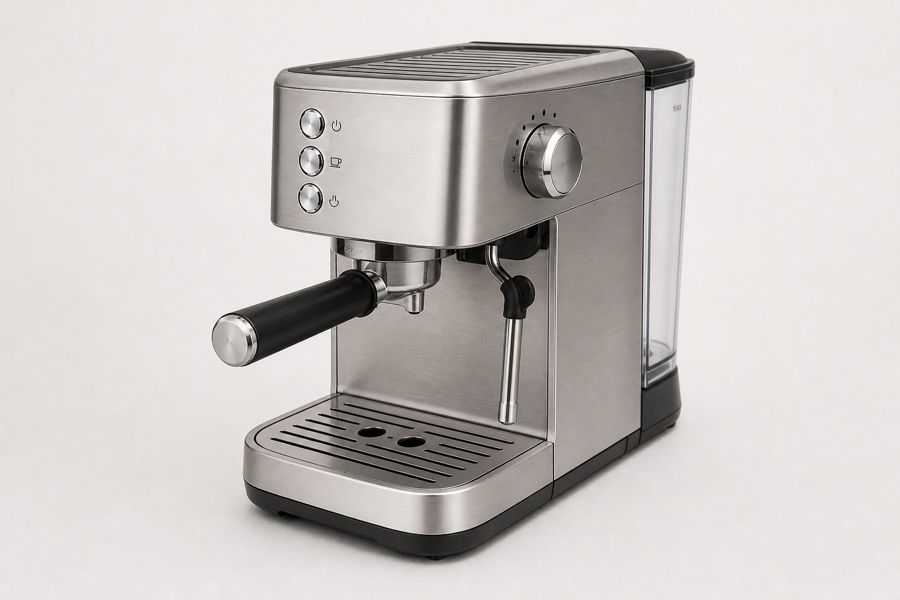
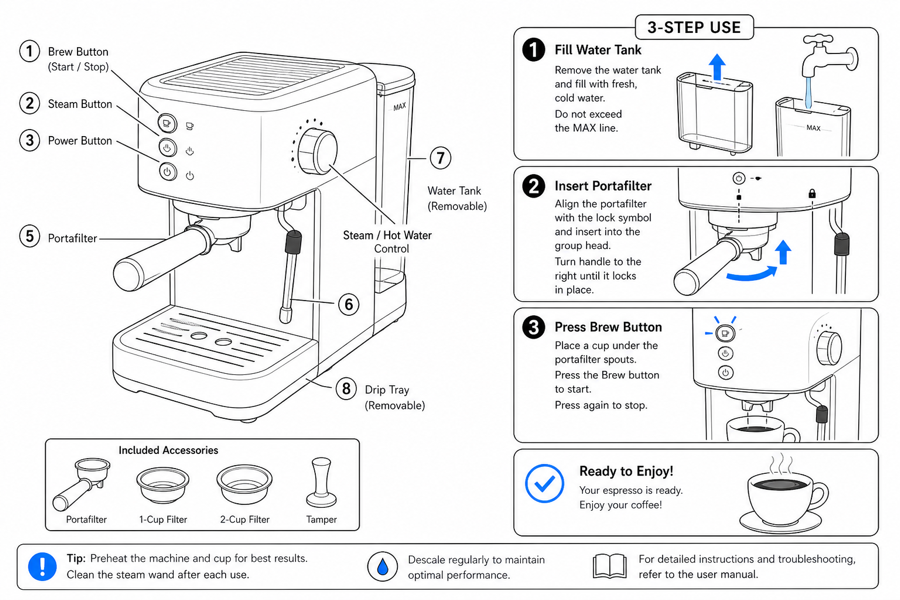
From product reference to manual-ready output
ManualFig keeps the prompt, uploaded references, generated options, revisions, and exports in one browser workflow.
Upload or describe the product
Start from a product photo, CAD screenshot, sketch, existing manual page, or a short step list.
Generate the instruction visual
Create line art, numbered panels, arrows, callouts, detail views, warnings, and completion checks.
Refine and export
Select a result, revise it with text, keep versions together, and export PNG or SVG for documentation.
Related ManualFig pages
ManualFig turns product references and procedure notes into user guide illustrations that reduce support questions and make first use easier.
User Manual Illustration FAQ
What is a user manual illustration?
It is a functional product picture that explains how a user should set up, operate, maintain, or troubleshoot a product.
Can ManualFig make illustrations from my product photos?
Yes. Upload product photos or screenshots and describe the user action. ManualFig uses the reference to keep the product recognizable.
Can I use these images in help centers?
Yes. The same visuals can support printed manuals, packaging inserts, customer support articles, and training material.
Can I request correct and incorrect examples?
Yes. Ask for OK/X states, forbidden actions, warning cues, detail zooms, and completion checks.
Create the next user guide illustration
Start from a product reference or a support question and generate a picture users can follow.