Bed Frame Assembly Instructions
Bed frame assembly instructions, illustrated step by step
Generate clear, numbered assembly figures for bed frames, bunk beds, and loft beds.
Bed frame assembly step
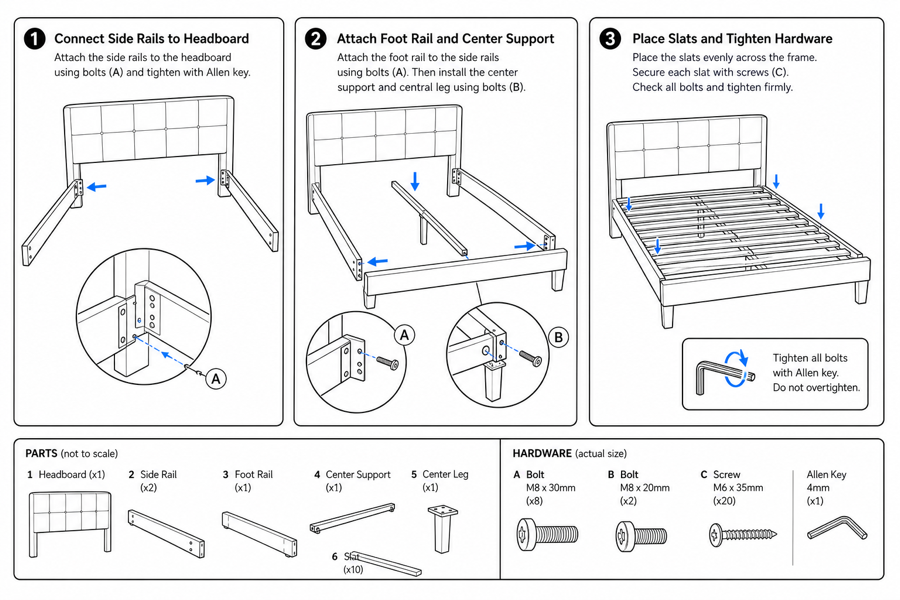 Example output
Output: manual-ready line art
Why illustrated bed frame instructions reduce returns
Most assembly complaints come from unclear steps. Clear figures cut confusion and support tickets.
Fewer wrong-part errors
Label rails, brackets, and screws so buyers pick the right part.
Clear orientation
Show which way each rail and slat faces with arrows.
Final-check panel
End with a completed-frame figure and a stability check.
Input → manual line art → editable export
Generate a first draft in the tool above, then open /generate to select the image, keep editing, make new versions, and export.
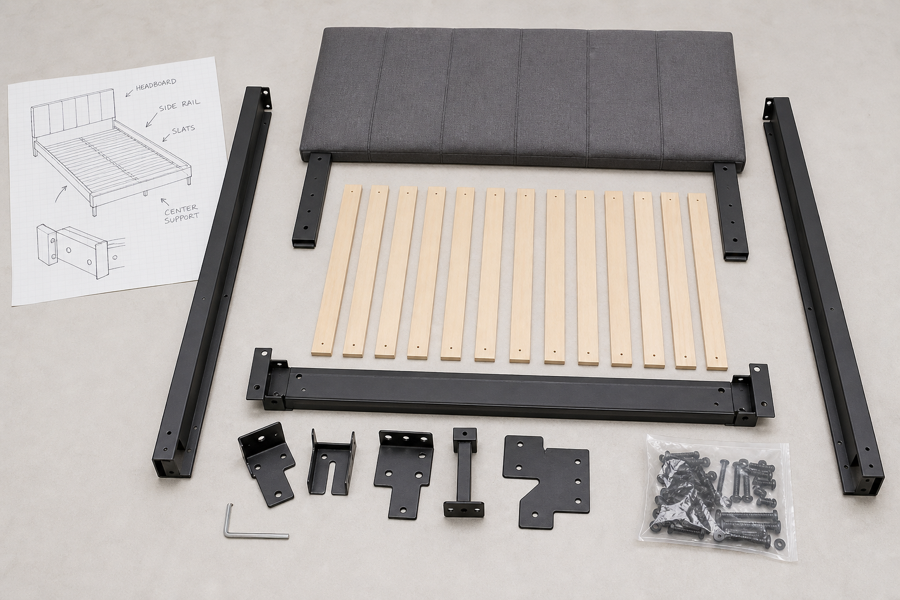
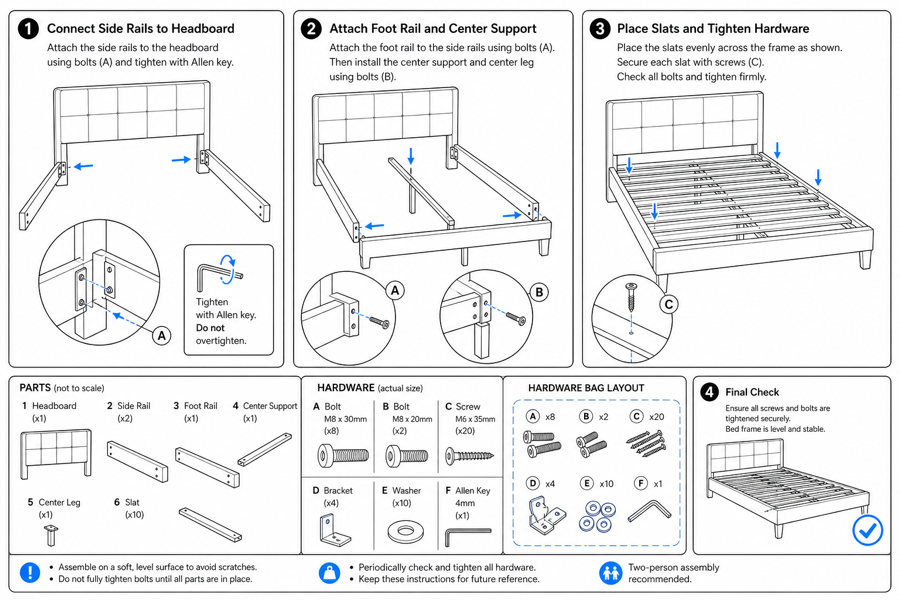
From product reference to manual-ready output
ManualFig keeps the prompt, uploaded references, generated options, revisions, and exports in one browser workflow.
Upload or describe the product
Start from a product photo, CAD screenshot, sketch, existing manual page, or a short step list.
Generate the instruction visual
Create line art, numbered panels, arrows, callouts, detail views, warnings, and completion checks.
Refine and export
Select a result, revise it with text, keep versions together, and export PNG or SVG for documentation.
Related ManualFig pages
Furniture brands and sellers use ManualFig to turn bed frame parts and steps into clean illustrated assembly instructions for inserts, manuals, and listings.
Bed frame assembly instructions FAQ
Does this cover bunk beds and loft beds?
Yes. Describe the frame type and the figures cover rails, slats, ladders, and guard rails for bunk and loft beds.
Can I lay out the hardware bag?
Yes. Use the hardware preset to show screws, dowels, and cam locks with quantities and labels.
Can I edit a step after generating?
Yes. Open the result in the full workbench to refine a step, add a panel, and export.
Generate bed frame assembly instructions
Describe the frame and steps or upload references, generate the figures, then refine and export.