Instruction Manual Template
An instruction manual template with step-by-step pictures
Download an editable Word product manual template and a completed illustrated example, then generate matching line art for your own product.
Instruction manual figure
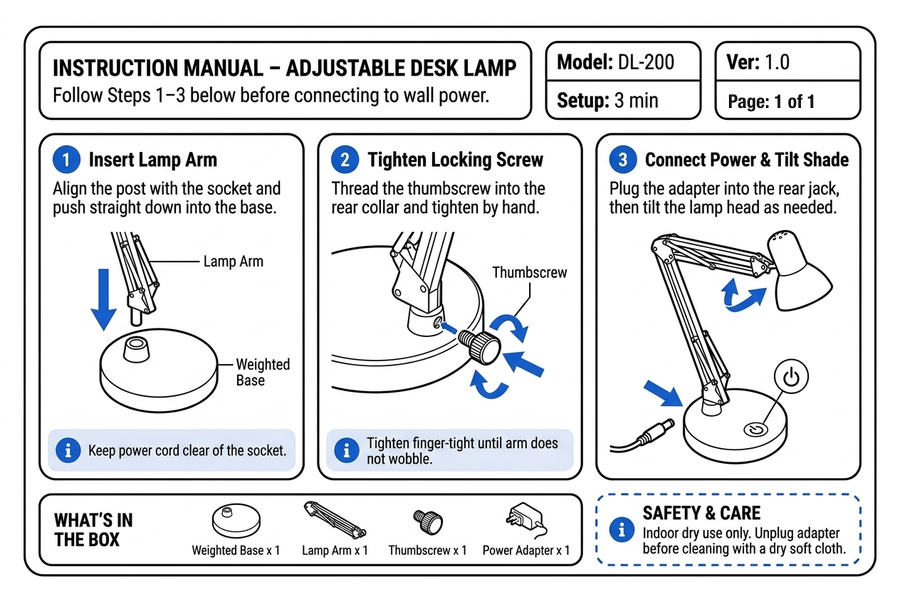 Example output
Output: manual-ready line art
What is inside this instruction manual template
Built as a reusable product manual and step-by-step instructions template: clear sections for text, dedicated slots for line art, and a worked example showing how every step looks when illustrated.
Complete manual structure
Pre-built sections for cover details (product name, model, version), safety notices, parts list with quantities, required tools, care and cleaning, troubleshooting table, warranty, and revision history.
Step-by-step template with pictures
Numbered step layout designed for one action and one figure per step, paired with a completed toilet-seat installation example so you can model your own steps.
Matching line art for your product
Use ManualFig to turn your own product photos or step notes into consistent black-and-white line drawings, exported as PNG or editable SVG for Word, PDF, or InDesign.
Input → manual line art → editable export
Generate a first draft in the tool above, then open /generate to select the image, keep editing, make new versions, and export.
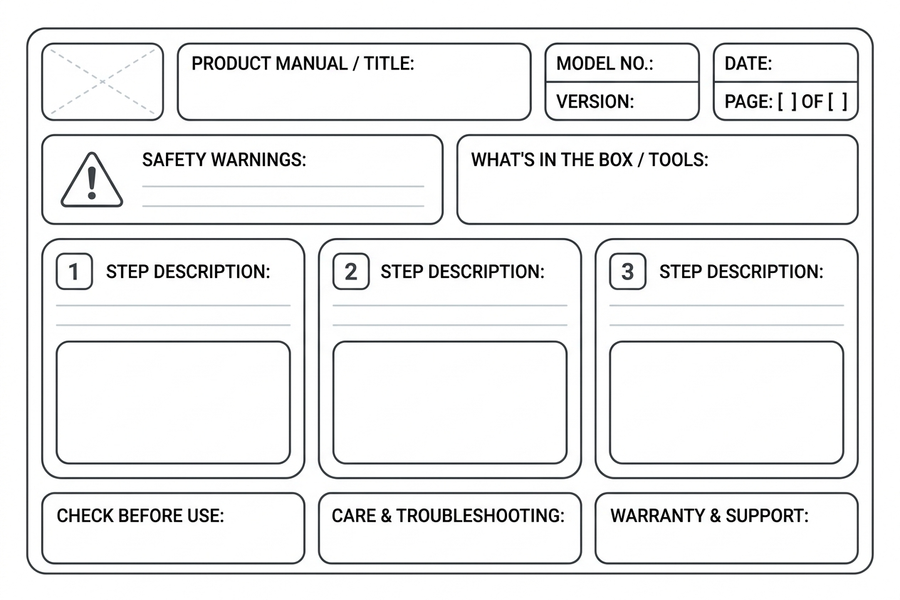
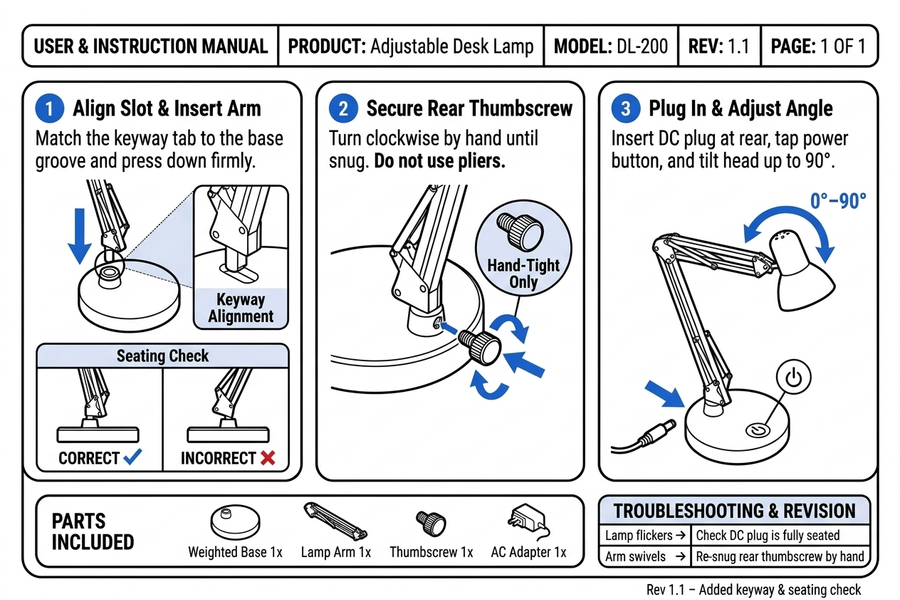
From product reference to manual-ready output
ManualFig keeps the prompt, uploaded references, generated options, revisions, and exports in one browser workflow.
Upload or describe the product
Start from a product photo, CAD screenshot, sketch, existing manual page, or a short step list.
Generate the instruction visual
Create line art, numbered panels, arrows, callouts, detail views, warnings, and completion checks.
Refine and export
Select a result, revise it with text, keep versions together, and export PNG or SVG for documentation.
Download the template and illustrated example
An editable Word instruction manual template with cover, safety notes, parts list, tools, numbered steps, check/use, care and cleaning, troubleshooting table, warranty, and revision history — plus a completed English example illustrated step by step. Free to download, no email required. Note: the example is a layout sample, not verified installation instructions.
Inside the completed example
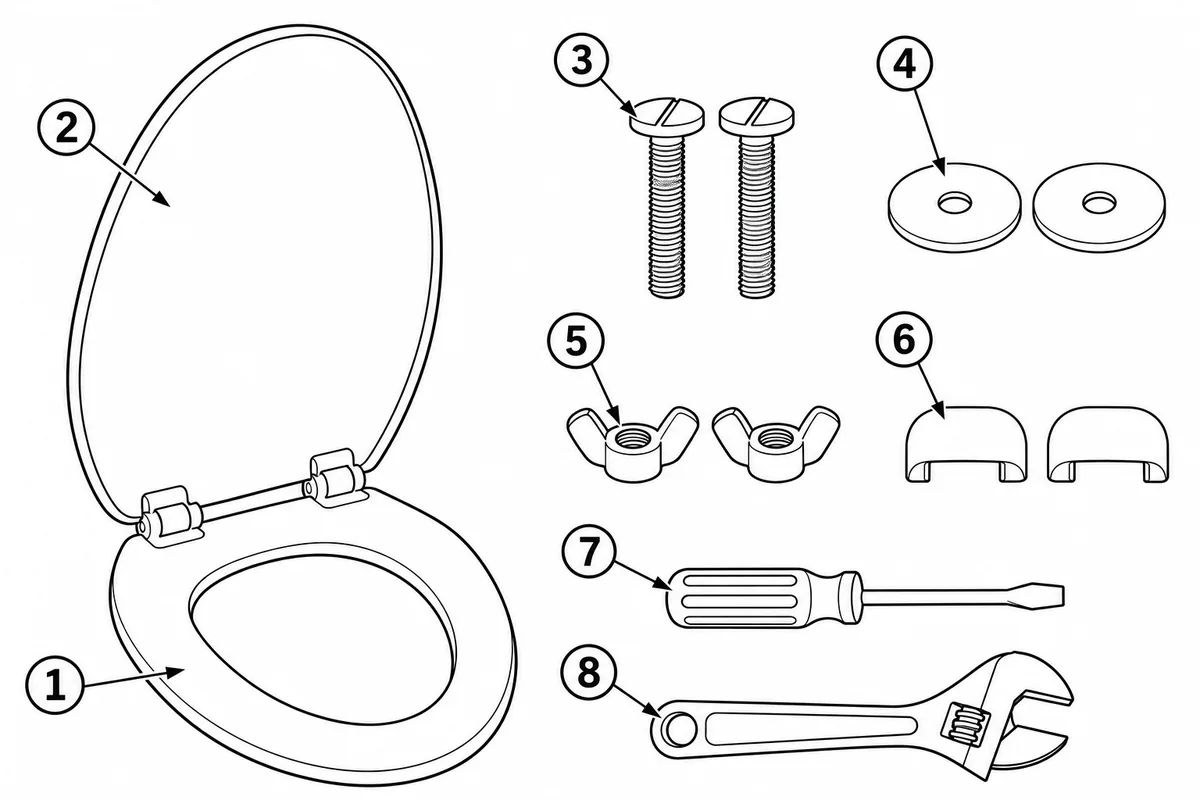
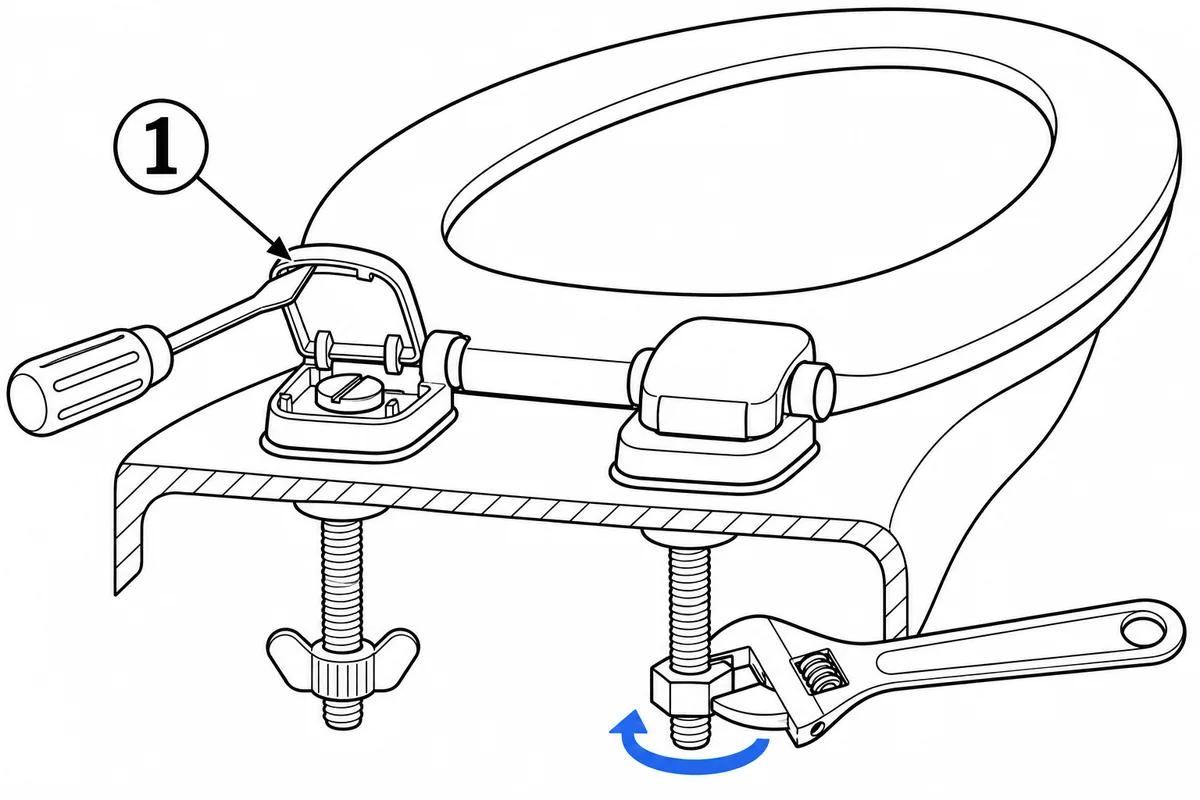
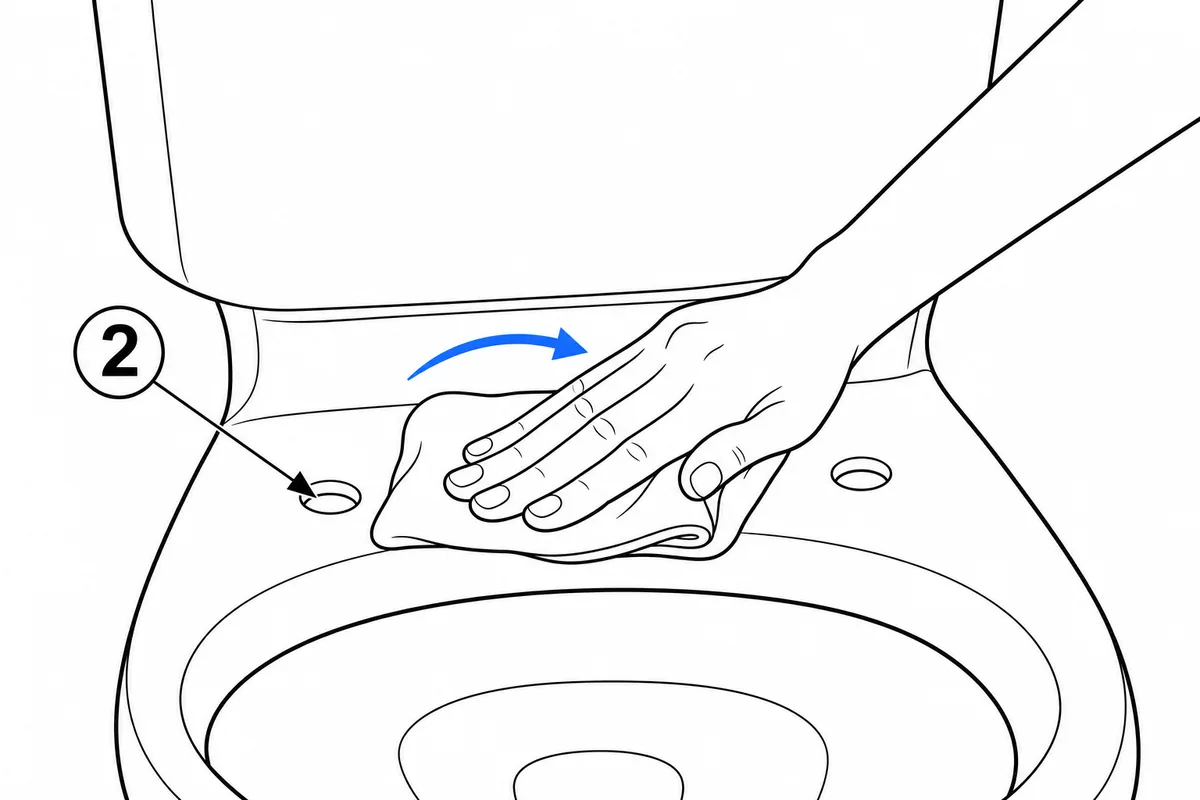
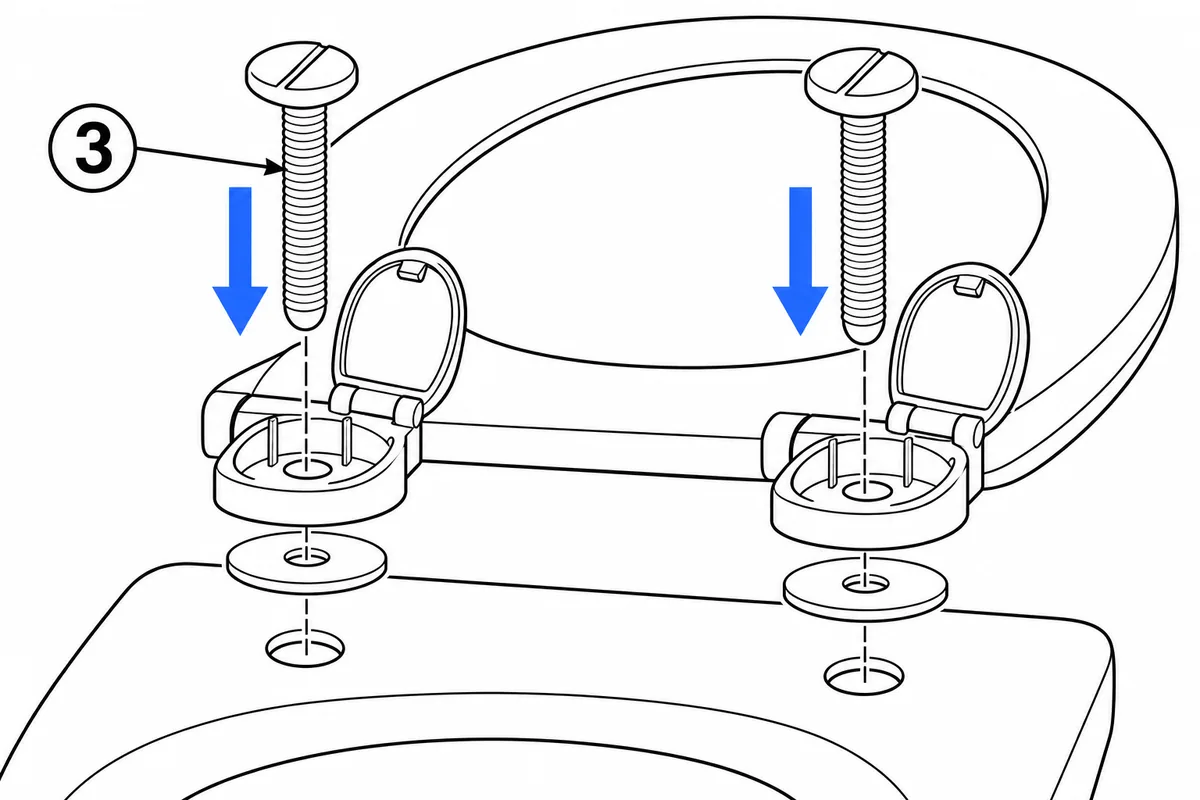
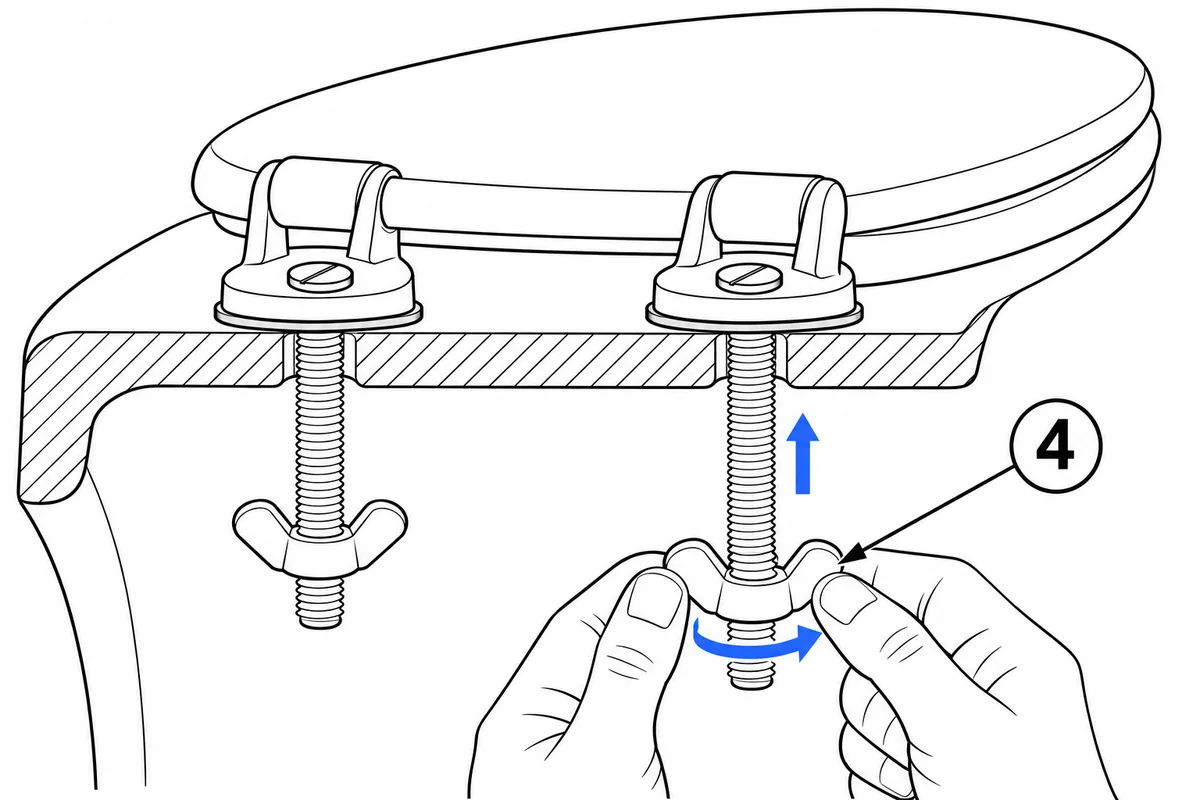
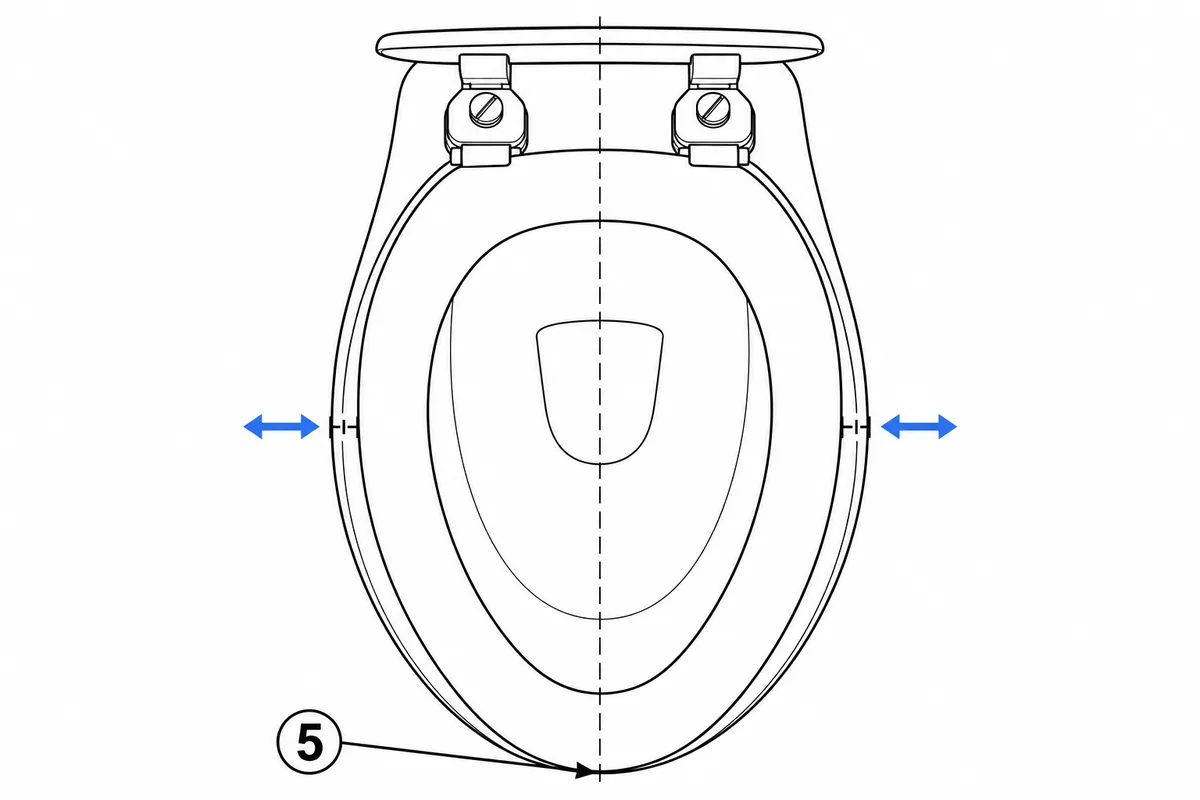
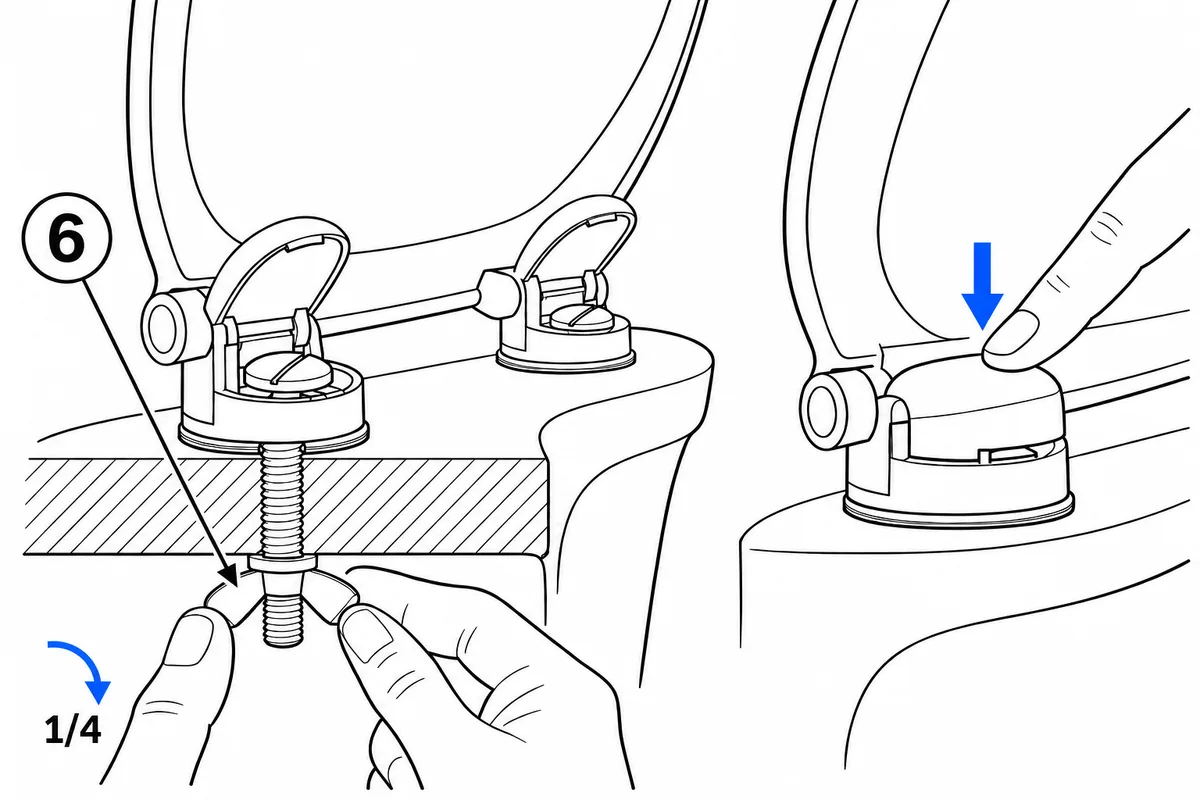
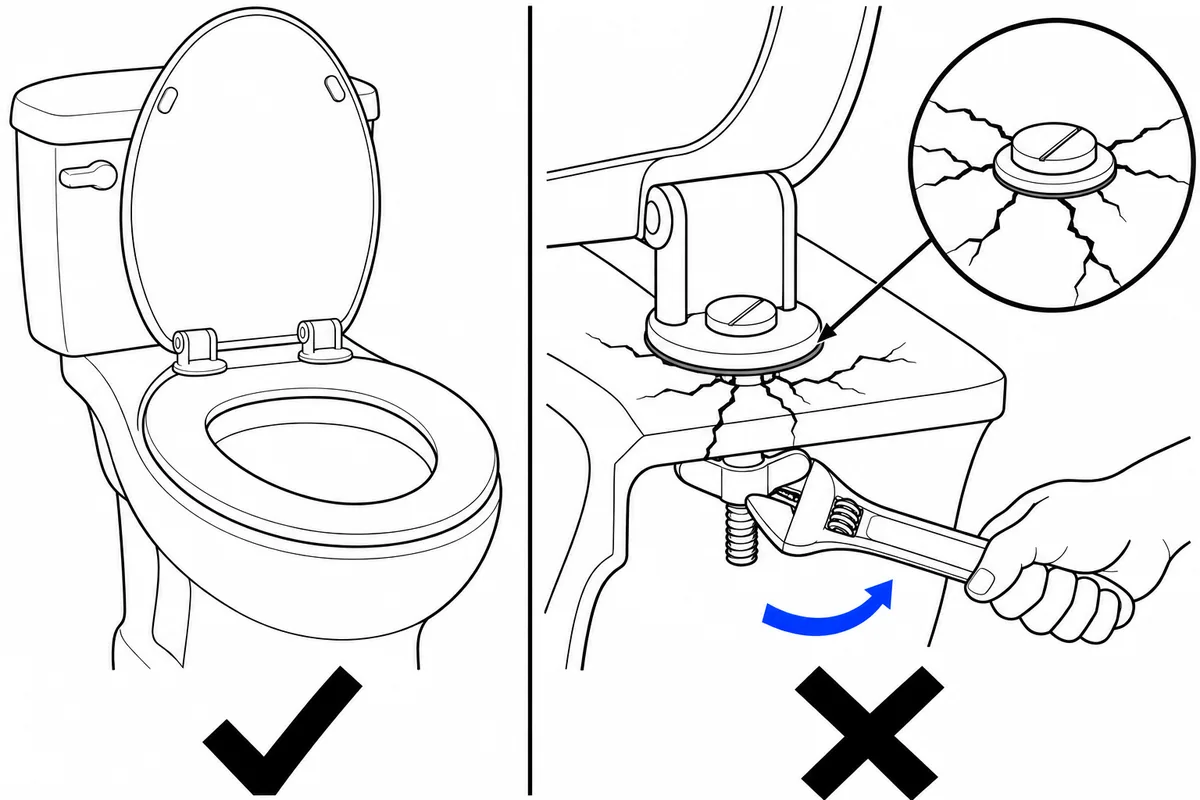
Instruction manual template
Blank and editable Word document with all standard sections and figure placeholders.
docx · 40 KB
Completed illustrated example
The same template filled in for a universal oval toilet seat installation (layout sample, not verified instructions), with line art on every step.
docx · 904 KB
Example as PDF
View the finished illustrated example without opening Word, or print it as a layout reference.
pdf · 1.1 MB
Related ManualFig pages
Most instruction manual templates hand you empty boxes where the drawings should go. ManualFig gives you an editable Word template covering every standard section — cover, safety notes, parts list, tools, numbered steps, checks, care, troubleshooting, warranty, and revision history — plus a finished step-by-step example with line art on every step so you can see how the visuals carry the instructions.
Instruction manual template FAQ
Is there a free instruction manual template for Word?
Yes. You can download both the blank editable Word template and the completed illustrated example above with no email required (the files are in English). You can also sign up for ManualFig and generate your first batch of custom manual figures for free with no credit card required; paid plans add more generations.
What is the difference between a user manual template and an instruction manual template?
In practice the two overlap, and this Word file works as both a user manual template and a product manual template. An instruction manual usually leans on setup, assembly, or installation steps, while a user manual gives extra room to everyday operation, care, and troubleshooting—all of which are included in the template sections.
How do I use a step-by-step instructions template with pictures?
Break the job into one clear action per numbered step, write a short verb-led instruction, and pair each step with a single diagram showing the part, direction arrow, or check state. Start with a parts-and-tools overview and finish with a correct-vs-wrong check so readers can verify their work at a glance.
Can I adapt this template for my own product?
Yes. Replace the cover details, parts table, tools list, and step text in the Word file, and remove any sections your product does not need. Then upload photos or notes of your own product in ManualFig to generate matching line-art figures for each step slot.
What formats can I export the generated figures in?
ManualFig exports figures as PNG or editable SVG vectors. You can drop either format straight into Word, PDF layouts, or Adobe InDesign without redrawing.
Is the completed toilet seat example a verified installation guide?
No. The toilet seat installation document is a layout and illustration sample showing how a finished manual looks, not verified installation instructions for any specific seat or fixture. Always review your final manual text, safety warnings, and drawings against your actual product before publishing.
Generate matching pictures for your manual template
Upload product photos or describe each step, create clean line art, and drop the figures into your Word template.