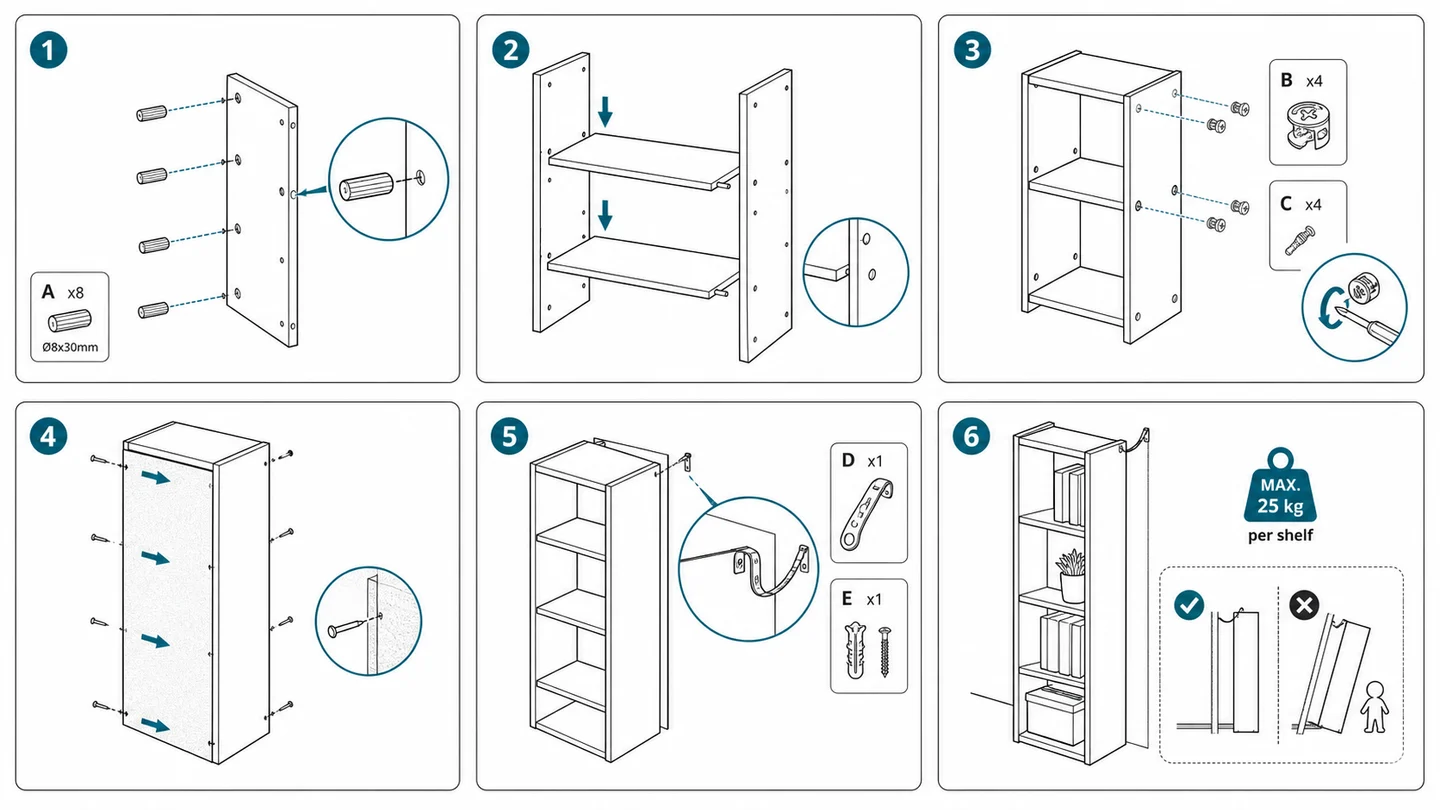
Instruction Manual Design Template: Layout, Panels, and Examples
A working instruction manual design template - layout rules, panel structures, drawings, and example pages for product manuals, IFU sheets, and assembly guides.
A good instruction manual design template is not a Word file with a cover image. It is a set of layout rules, panel structures, and drawing conventions that make every page behave the same way for the reader. Once a team has one, manuals become faster to write, easier to translate, and far cheaper to update.
This article walks through a practical instruction manual design template you can adopt or adapt: page anatomy, panel grids, drawing style, callouts, warnings, examples, and the common variants for assembly, installation, IFU, and maintenance.
Want to skip the theory and generate user manual diagrams from your own product? Open the AI instruction manual diagram generator.
What an instruction manual template needs to lock down
Before any single page is designed, the template should answer five questions in the same way every time:
- How is a step composed? (text, image, number, warning, completion)
- What goes on a single page vs. across pages?
- How are user manual diagrams drawn? (style, line weight, arrows, callouts)
- Where do warnings appear, and in what visual language?
- How are correct and incorrect states shown?
If those five answers drift between pages, the manual reads as if it were written by different teams - even when the product, voice, and translation are consistent.
Page anatomy
A reliable page template has four predictable zones:
- Header - chapter/section, page number, product identifier
- Step number column - large, left-aligned numbers (1, 2, 3) so the eye can jump
- Panel area - the user manual diagram itself, large enough to be the focal point
- Caption + warnings - one short imperative caption, plus any inline warning
The cheapest mistake teams make is shrinking the panel area to fit more text. In a picture-based manual, the diagram is the primary content - text is the caption.
Panel grid
Most product instruction pages fall into a small number of grids. Pick one and reuse it.
- 1-panel page - a single action or final state; large diagram, short caption
- 2x1 page - before/after, or correct/incorrect comparison
- 2x2 page - four sequential steps, common in quick start sheets
- 3x1 strip - linear sequences for IFU and packaging inserts
- Exploded view + steps - one large exploded assembly drawing with numbered references to side panels
For SEO pages, separate these grids into intent-specific examples. Assembly searches should link to the Assembly Instruction Illustration Generator. Insert and onboarding searches should link to the Packaging Insert Instruction Generator. Structure-heavy pages should link to the Exploded View Illustration Generator.
Mixing grids across a single chapter is fine. Mixing grids within a single step sequence is what makes readers lose place.
Drawing style
Instruction manual drawings are not illustrations in the artistic sense. They are functional diagrams. The template should fix:
- Line weight - one weight for product outline, a thinner weight for internal detail, a heavier weight for emphasis
- Colour usage - product in neutral, arrows in a single accent colour, warnings in amber/red, completion checks in green
- Perspective - prefer slight isometric or three-quarter views; pure front-on hides depth and action
- Background - none, or a very light tint; never photographic backgrounds in the diagram itself
- Hand/tool conventions - simplified hands when needed, with consistent skin/glove rendering across the manual
The goal is that any new diagram looks like it belongs in the same manual, even if it was generated months later.
Arrows and callouts
Arrows carry most of the action information in a picture-based manual. The template should define:
- Straight arrow - insert, slide, press
- Curved arrow - rotate, twist, unfold
- Dashed arrow / leader line - "look here," "see callout"
- Double-headed arrow - measure, span, alignment range
Callouts (a leader line plus a labelled circle or zoom panel) are for details that are too small to read at the main scale. Use them sparingly - more than two callouts per panel usually means the panel should be split.
Warnings
Warnings work best inline, attached to the step they apply to. A consistent template usually defines three levels:
- Caution (amber) - risk of damage or misuse
- Warning (red) - risk of injury
- Note (blue/grey) - useful clarification, not a risk
Each level has a fixed icon, fixed colour, and a fixed position relative to the panel. Reviewers and translators can then spot missing warnings at a glance.
Correct / incorrect pattern
For any step where a user can easily do the wrong thing, the template should support a correct/incorrect pair:
- Left panel - the correct action, with a green check
- Right panel - the incorrect action, with a red cross
- Same product orientation, same camera angle, same scale
That symmetry is what makes the comparison read instantly. If the two panels are drawn differently, the brain has to work to compare them.
Example structure for common manual types
The same template should support several manual types by switching which grids and panel patterns are used:
Quick start sheet
- Single page
- 3x1 or 2x2 grid
- Minimal text, large diagrams
- Final state shown clearly on the last panel
Product user manual
- One step per page, or two steps per page maximum
- Chapter-level table of contents
- Maintenance and troubleshooting in their own sections with the same panel grammar
IFU sheet
- Strictly sequential
- Inline warnings for every risk step
- Correct/incorrect comparisons for placement, dosing, or contact
- Cleaning and disposal as separate panel sequences, not afterthoughts
Installation guide
- Orientation diagram on page 1 (which way is front/back/up)
- Mounting and routing diagrams with explicit arrows and fastener callouts
- A final verification panel showing the installed product in its environment
Assembly instructions
- Parts list with named callouts on a single early page
- Exploded view as a reference diagram
- Sequential panels for each fastener or sub-assembly
- A final assembled state with a tick
Where AI fits in this template
The hardest part of running a manual design template is not the rules - it is producing enough diagrams, fast enough, in a consistent enough style. That is where ManualFig is useful:
- Each diagram is generated panel-by-panel, so a single revision does not require redrawing the page
- Product photos, CAD screenshots, and existing manual pages can anchor the style
- The same prompt structure can be reused across new SKUs to keep the visual family consistent
If you already have a draft template and just need to fill it, start from the Instruction Manual Generator with Pictures. If you want to see what a manual diagram generated from a photo looks like, the Product Photo to Instruction Manual page has examples.
Takeaways
- An instruction manual design template is a set of rules, not a file - layout, drawing style, arrows, warnings, and comparisons all have to be fixed.
- Lock the panel grid early; mixing grids inside one sequence is what breaks reader flow.
- Treat the diagram as primary content and the caption as secondary.
- Use correct/incorrect symmetry for any step a user can get wrong.
- Generate panels with a tool that lets you revise one diagram at a time, so the template stays cheap to maintain.
Ready to apply this to your own product? Open the ManualFig workspace and start with one step.
Author

Researcher · University of Arts in Poznan
Davie Chen is a researcher at the Faculty of Animation and Intermedia, University of Arts in Poznan, studying generative AI for scientific figure creation, patent illustration, instruction graphics, and manuscript drafting. ManualFig AI is one of the research-to-product tools built from this work.
View author profileCategories
More Posts
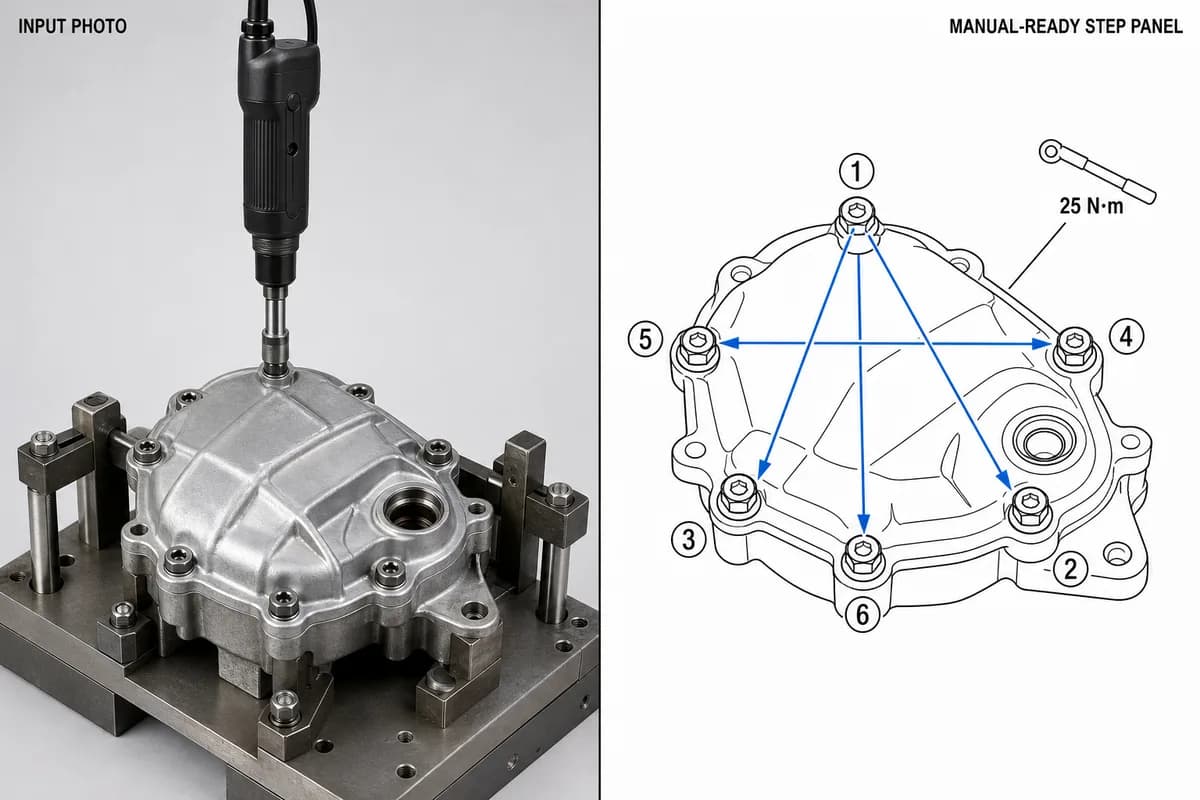
Manufacturing Assembly Instructions: Format, Examples, and How to Illustrate Each Station
What a manufacturing assembly instruction must contain, how to lay out one step per page, three worked station examples (torque, orientation, inspection), and a template you can copy.
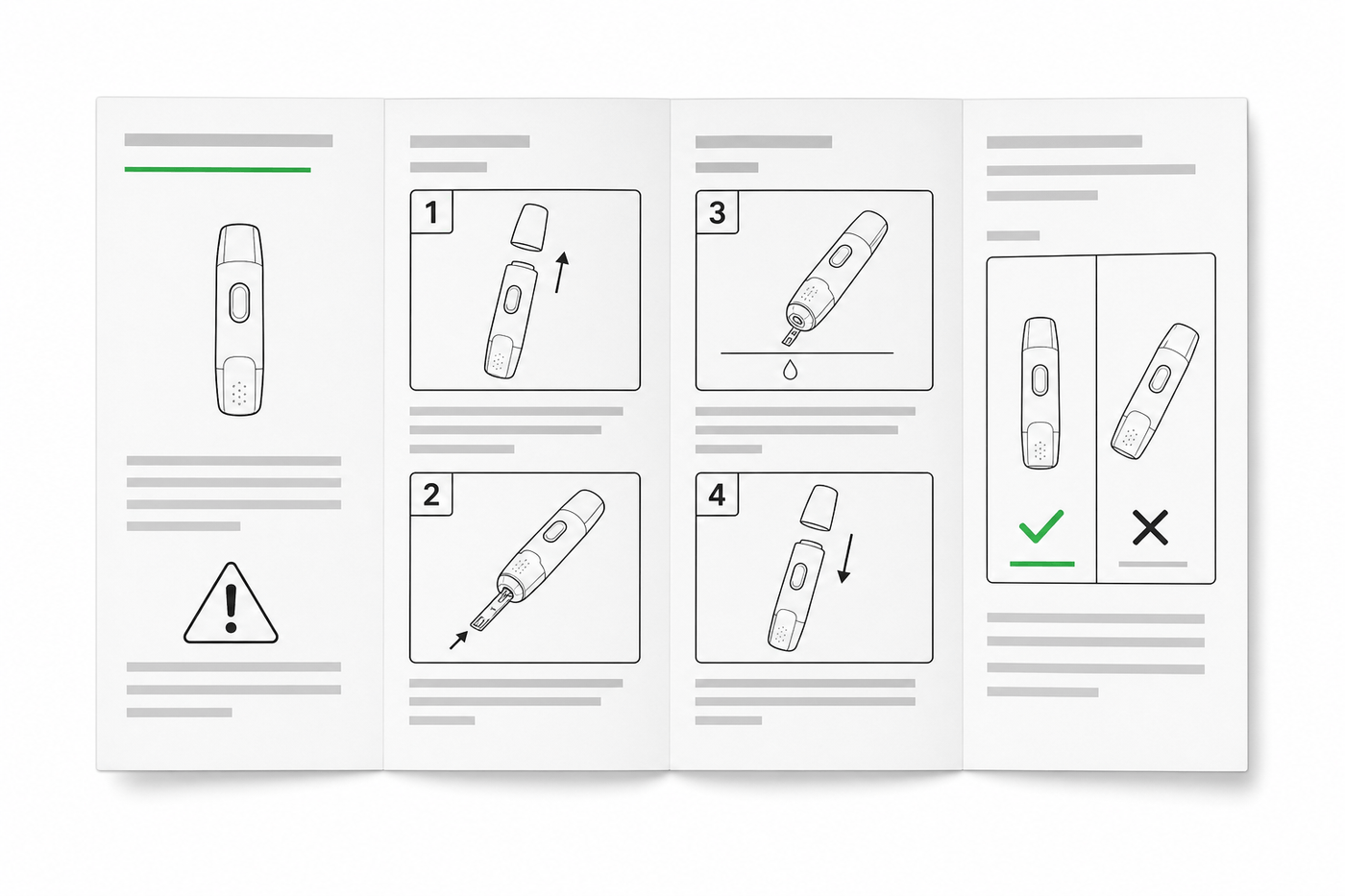
IFU Design Guide: Layout, Symbols & Examples
Practical IFU design guidance for medical devices: page layout, ISO 15223-1 symbols, warning panels, illustrations, and a reusable section template.
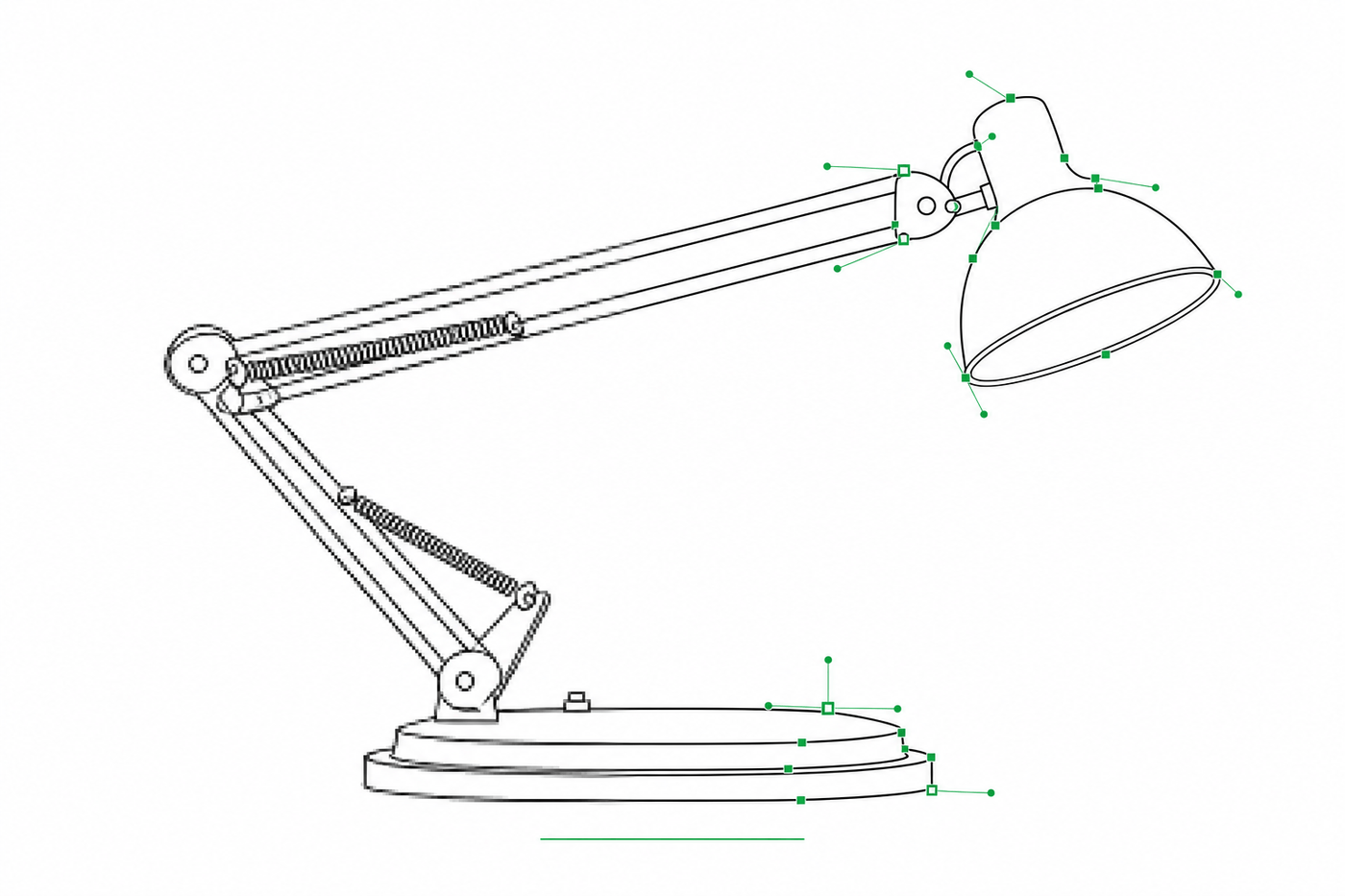
Image to SVG for Illustrator: How to Get Editable Strokes for Technical Line Art
Why many image-to-SVG conversions arrive in Illustrator as filled outlines you can't restyle — and two workflows that produce stroke-based, centerline-style SVG line art with adjustable line weights.