How to Create Medical Device IFU Illustrations with AI
A practical workflow for turning device photos, procedure text, and risk notes into clear medical IFU instruction panels with ManualFig.
Medical device IFU artwork has to do more than look polished. It needs to show the right user action, preserve the device shape, avoid misleading detail, and leave enough room for warnings, symbols, and review notes. That is why a generic image generator usually falls short: it can create an attractive scene, but an IFU team needs controlled instruction panels.
ManualFig is built around that production loop. You can start from product photos, CAD screenshots, a written procedure, or an existing visual style, then generate manual-style figures that can be revised one image at a time.
Need a first IFU draft? Open the ManualFig generator.
For focused IFU search intent, use the Medical Device IFU Illustration Generator. For non-regulated setup sheets, split the work into Quick Start Guide Illustration Generator, Safety Instruction Illustration Generator, or Maintenance Procedure Illustration Generator pages.
For document-level decisions — page layout, standard symbols, warning hierarchy, and section structure — use the IFU design guide before producing the final artwork.
Start with the actual IFU task
Before generating images, separate the instruction problem into three parts:
- The device or accessory the user must recognize
- The action the user must perform
- The risk or confirmation state the visual must communicate
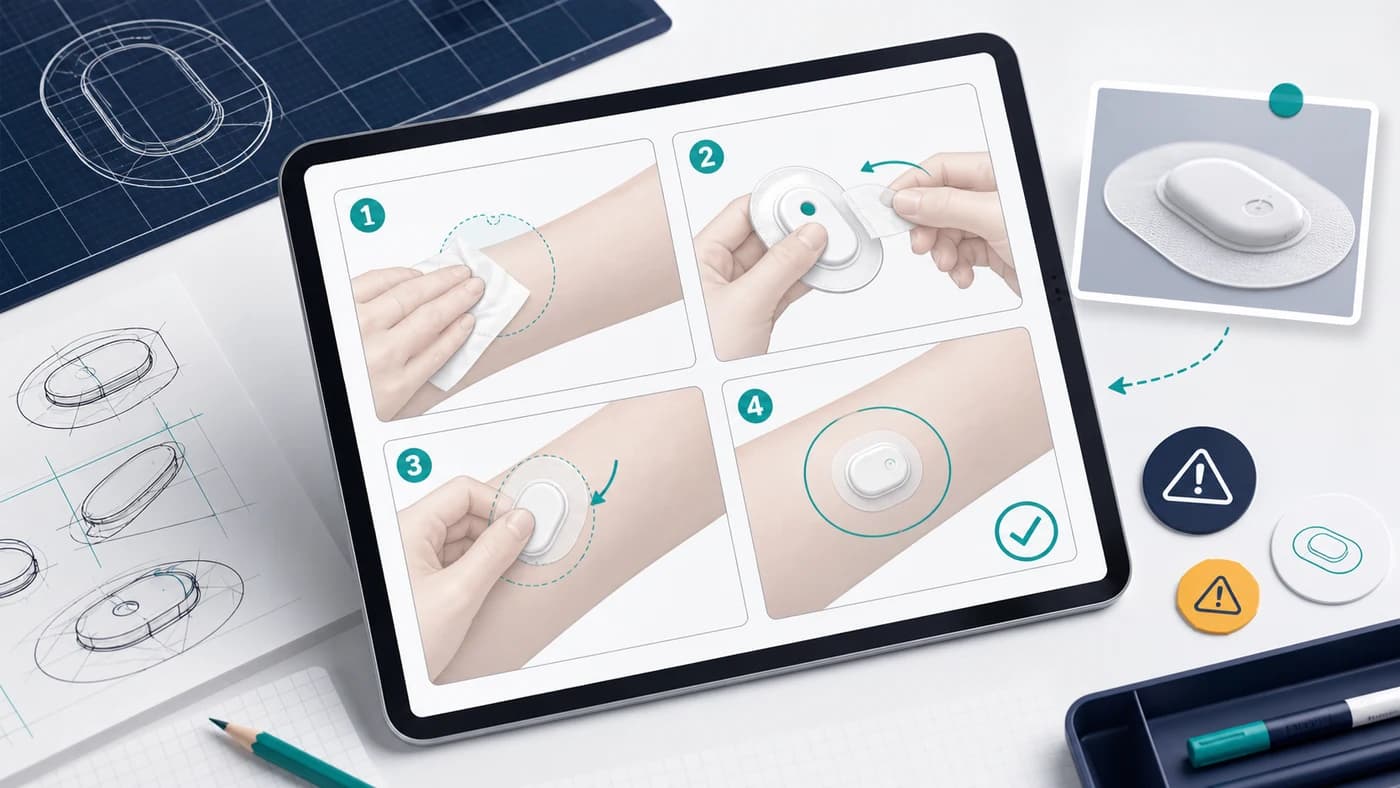
For a wearable sensor patch, the task might be: clean the skin, remove the adhesive liner, place the patch on the upper arm, and confirm that the patch sits flat. The safety context may include skin contact, adhesive handling, disposal, and forbidden reuse.
That is a better prompt foundation than "draw a sensor patch." It tells the system what the figure is for.
Use references without turning them into marketing images
IFU illustrations usually need product accuracy without photography clutter. A product photo can help ManualFig understand the patch shape, connector, liner tab, or applicator, but the final figure should remove background noise, reflections, dramatic lighting, and lifestyle context.
Useful reference inputs include:
- Product photo for geometry
- CAD screenshot for proportions
- Existing manual page for drawing style
- Procedure text for step order
- Risk notes for warnings and callouts
The strongest results come from combining a reference image with a concise procedure. The reference controls what the device looks like; the text controls what the user is doing.
Ask for panels, not a single hero image
Medical instructions often fail when too much action is packed into one picture. Instead, ask for a panel sequence.
Example prompt:
Create a four-panel IFU illustration for applying a wearable sensor patch.
Panel 1: clean and dry upper arm skin.
Panel 2: peel the adhesive liner from the patch without touching adhesive.
Panel 3: place the patch on the upper arm using a downward arrow.
Panel 4: show correct final placement with a check mark.
Use clean manufacturer manual style, simple line art, subtle teal accents,
numbered steps, one zoom callout, and one caution symbol.
Do not include brand logos or marketing background.
This gives ManualFig enough structure to create documentation artwork instead of a generic product scene.
Keep risk cues explicit
Risk cues should be specified directly. If the figure must show "do not touch adhesive," "single use only," "discard after use," or "do not place on irritated skin," include those constraints in the prompt. The model should not infer regulated instructions on its own.
For high-risk IFU work, use AI output as a draft visual asset. Regulatory, clinical, legal, and human factors review still need to verify that every symbol, action, warning, and confirmation state is accurate.
Refine one result at a time
The first generation is often close but not final. A productive review loop is:
- Generate 2-4 candidate panel sets.
- Choose the closest one.
- Revise with targeted text, such as "make the patch smaller," "move the arrow above the liner tab," or "show the warning icon only in panel 2."
- Keep the approved image as the basis for downstream documentation.
This is where ManualFig differs from a one-shot image generator. The goal is not novelty. The goal is a controlled visual system that can survive internal review.
When to export
Export only after the figure communicates the right sequence. Once the panel structure, device shape, arrow direction, warning placement, and completion state are approved, convert or hand off the asset for the documentation toolchain.
ManualFig supports this path by keeping project history, generated images, revisions, and selected outputs together in one workspace.
Takeaways
- IFU prompts should describe product, action, and risk context.
- Product photos are useful references, but final artwork should be manual-ready.
- Multi-panel prompts create clearer medical instructions than single-scene prompts.
- AI output needs human review before regulated or safety-critical publication.
- ManualFig is strongest when used as a repeatable instruction-art workflow, not a decorative image tool.
For a broader view of where this fits, see the ManualFig solutions page.
Author

Researcher · University of Arts in Poznan
Davie Chen is a researcher at the Faculty of Animation and Intermedia, University of Arts in Poznan, studying generative AI for scientific figure creation, patent illustration, instruction graphics, and manuscript drafting. ManualFig AI is one of the research-to-product tools built from this work.
View author profileCategories
More Posts
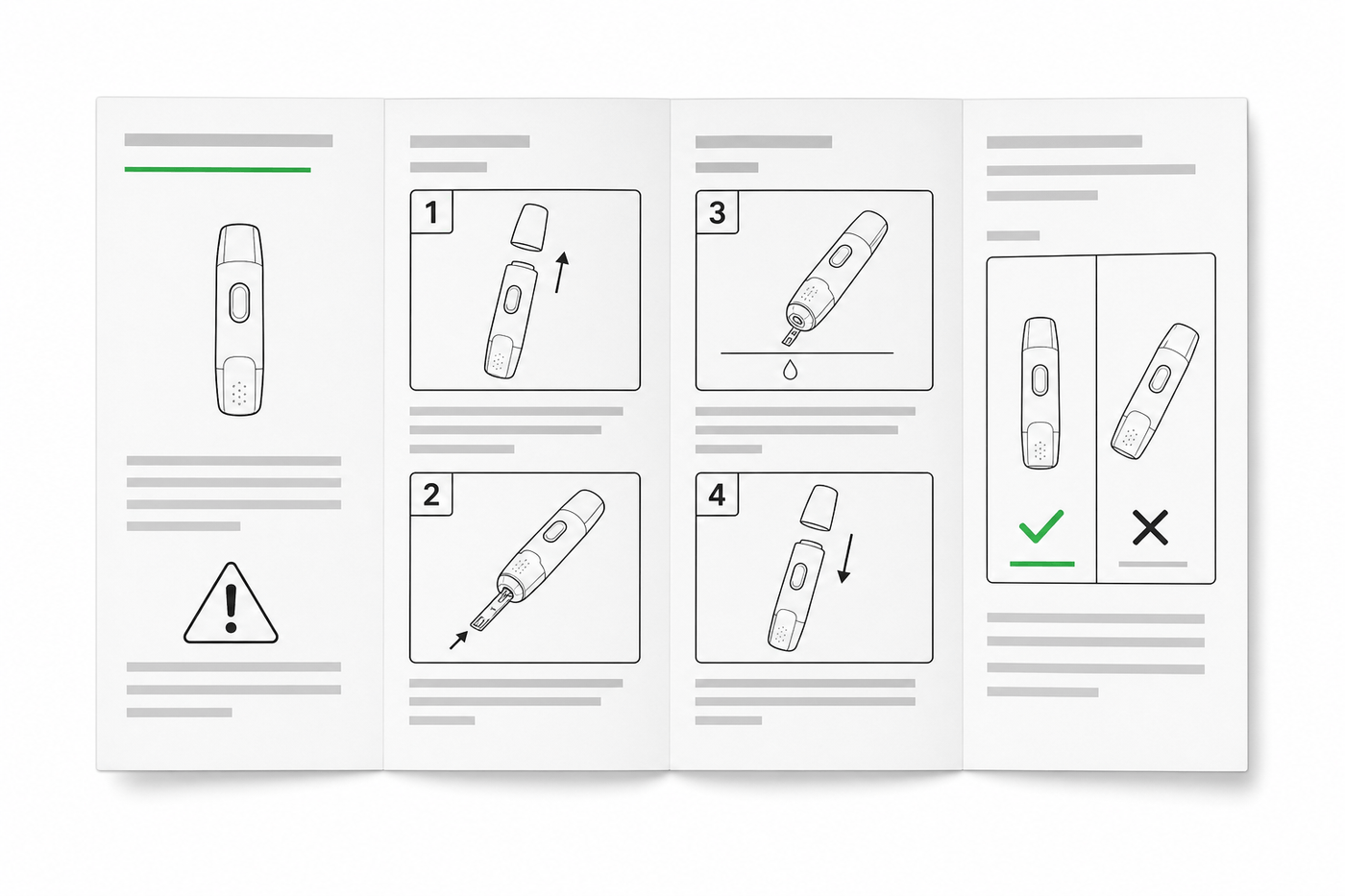
IFU Design Guide: Layout, Symbols & Examples
Practical IFU design guidance for medical devices: page layout, ISO 15223-1 symbols, warning panels, illustrations, and a reusable section template.
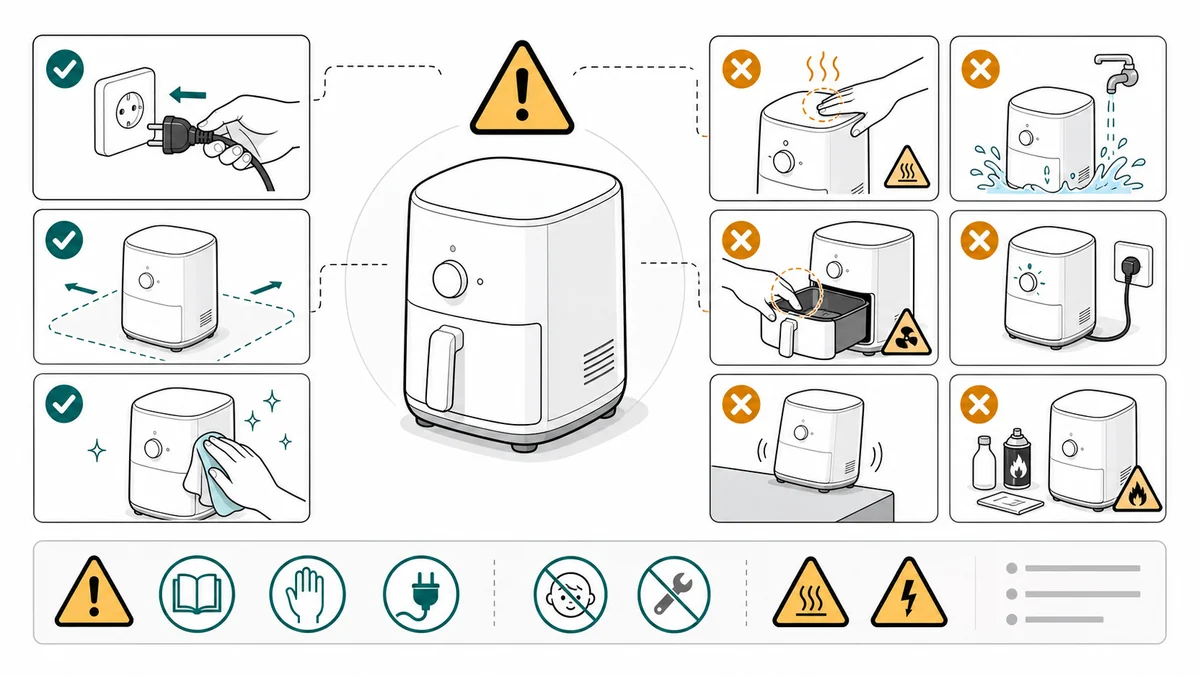
Safety Instruction Illustrations: Correct/Incorrect and Warning Panels
How to draft safety instruction illustrations for manuals using correct/incorrect panels, warning cues, risky step callouts, and review gates.
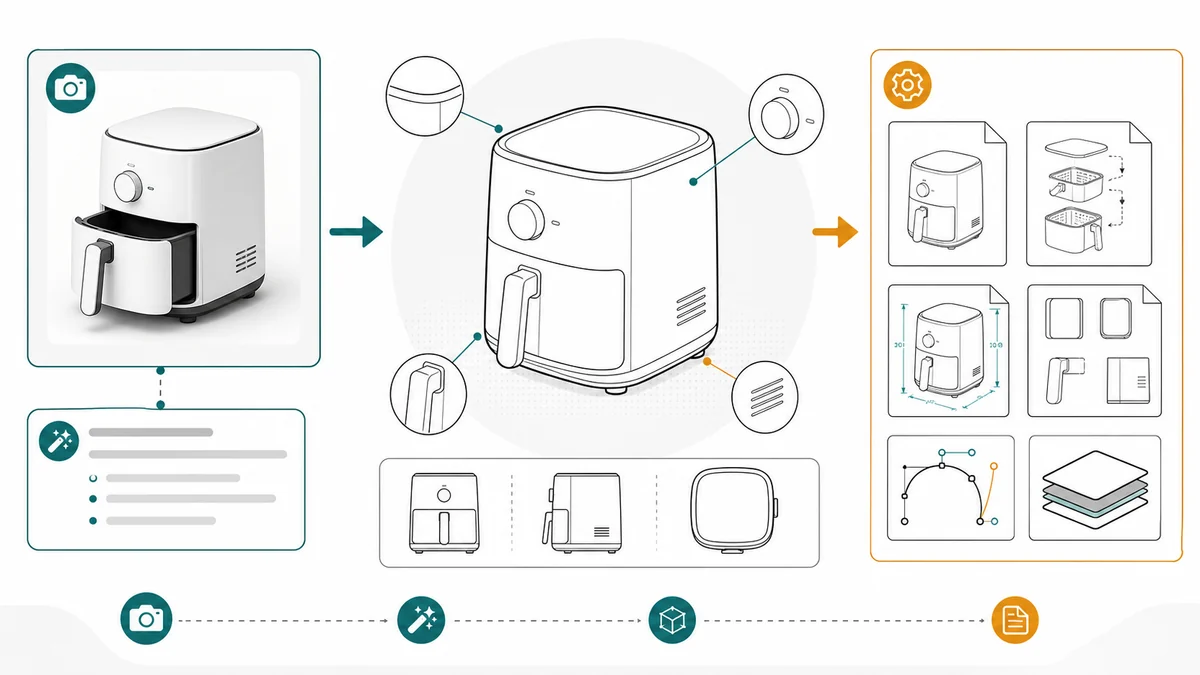
Product Line Art for Manuals: Examples, Prompts, and Output Formats
How to use product line art in manuals, packaging inserts, help centers, and support docs, with prompt examples and PNG/SVG output guidance.