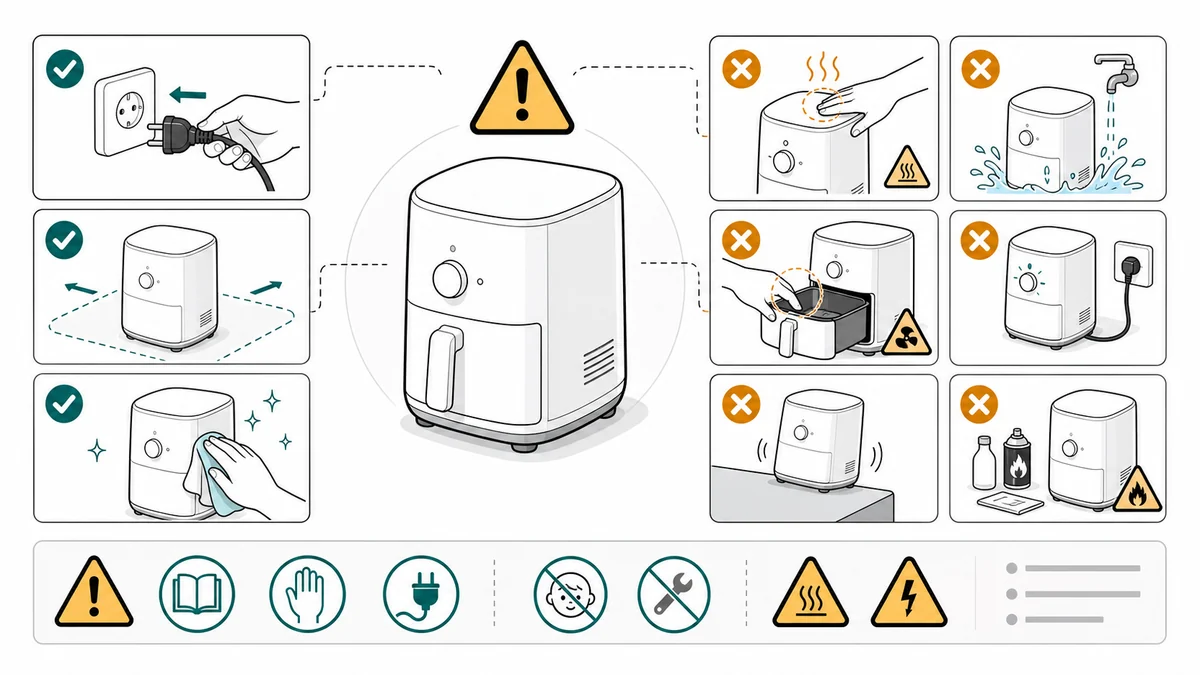
Safety Instruction Illustrations: Correct/Incorrect and Warning Panels
How to draft safety instruction illustrations for manuals using correct/incorrect panels, warning cues, risky step callouts, and review gates.
Safety instructions are often buried in text. The reader sees them too late, or skips them entirely. A better pattern is to place the safety visual beside the exact step where the risk appears.
ManualFig can draft warning panels, do-not-do panels, correct/incorrect comparisons, lock checks, handling cues, and final inspection states.
Use the Safety Instruction Illustration Generator for focused safety pages.
Common mistakes to avoid
Safety illustrations need more discipline than ordinary product drawings. A vague warning icon may satisfy a layout, but it does not help the reader avoid the risky action.
Avoid these mistakes:
- Placing all warnings at the front of the manual instead of beside the step
- Showing a hazard symbol without showing the risky body part, tool, surface, cable, or part
- Using a red X without showing the correct alternative
- Making the safety panel smaller than the decorative product image
- Inventing legal wording, certification marks, or official symbols
- Letting the generated figure imply a safety claim that no reviewer approved
The goal is not to make the page look serious. The goal is to change the user's action at the exact moment the risk appears.
Correct/incorrect panels
Correct/incorrect panels work because they let users compare their real product state against the manual:
- Cable routed correctly vs pinched
- Lock closed vs open
- Filter seated vs loose
- Bracket level vs tilted
- Battery orientation correct vs reversed
Use OK/X labels sparingly and keep the drawings larger than the text.
This pattern is especially useful when an error looks almost right. A cable can be partly seated. A latch can appear closed while still unlocked. A seal can be twisted but hidden. The comparison should make the visual difference obvious.
Warning panels
Warning panels should show:
- The risky action
- The risk location
- The safe alternative
- The final state to check
Avoid invented certification marks, legal claims, or official safety symbols unless your team provides approved assets.
Place the warning where the risk occurs. If the pinch point appears during cover closure, put the warning in the cover-closing panel. If the burn risk appears after use, put the warning before the user touches the hot part.
Before you draft: a 6-question checklist
Safety illustrations fail more often at the brief stage than at the drawing stage. A model can render a warning triangle in any style; what it cannot do is decide whether the triangle is at the right step. Answer these six questions before you write the prompt.
- What is the risky action - in the user's own verbs? "Close the cover" is the action. "Pinch fingers" is the risk. Both have to appear in the figure.
- Where on the product is the risk located? Top edge, internal latch, exposed coil, exhaust port. Name the part the user will actually look at.
- What does the unsafe state look like? Closed-but-not-locked. Plugged-in-but-reversed. Visually different from the safe state at print size.
- What does the safe alternative look like, in the same view? If you can only describe the safe state in words, the figure is not going to work.
- Which step in the procedure must carry the warning? Front of the manual is the wrong answer. Pick the panel number.
- What must not appear in the figure? Certification marks your team has not approved, legal phrases, brand logos, realistic injury depiction. Write these as negative constraints in the prompt.
If any answer is "we will figure that out during review," stop. Review will figure it out by asking you to redraft. Settling these six before generation cuts review cycles roughly in half.
Prompt templates
Create a safety instruction panel for a product manual.
Show an incorrect hand position near the latch with a red X.
Show the correct hand position with a green OK check.
Add a small warning triangle near the pinch point.
Use clean manual line art, white background, no brand logos, no certification marks.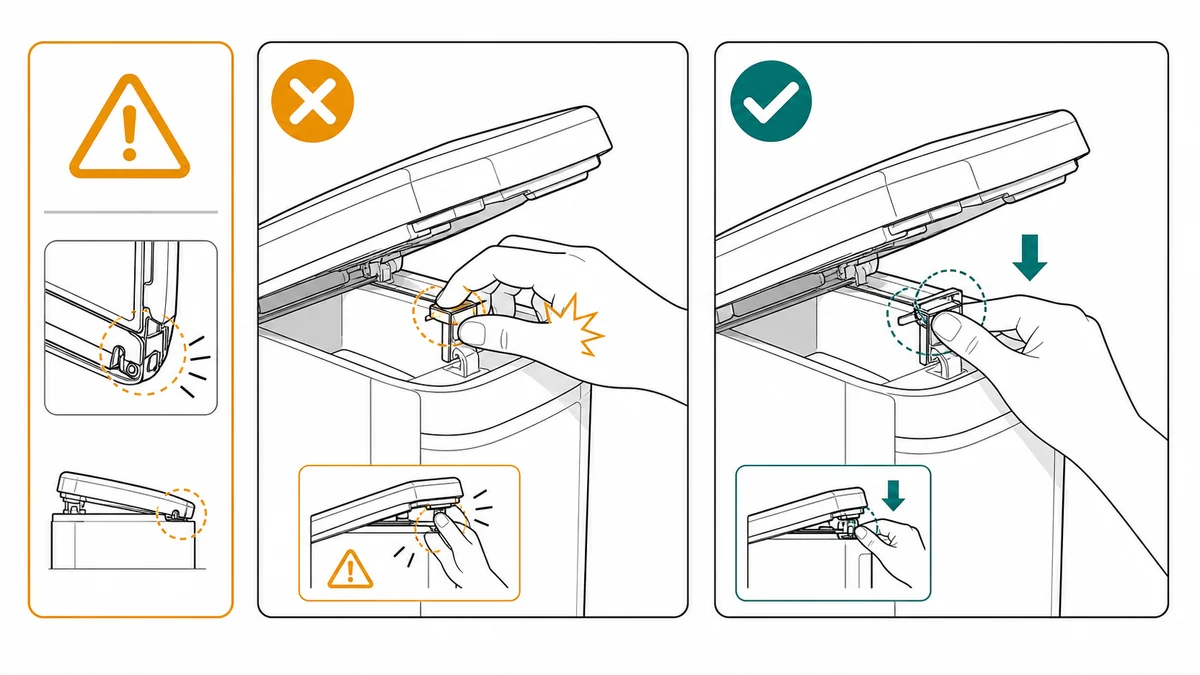
For a correct/incorrect installation state:
Create a correct/incorrect safety illustration for routing a power cable.
Correct: cable passes through the side channel with no pinch point.
Incorrect: cable is trapped under the cover with an X marker.
Add a small warning triangle near the pinch area.
Use clean technical line art, large drawings, minimal labels, no official certification symbols.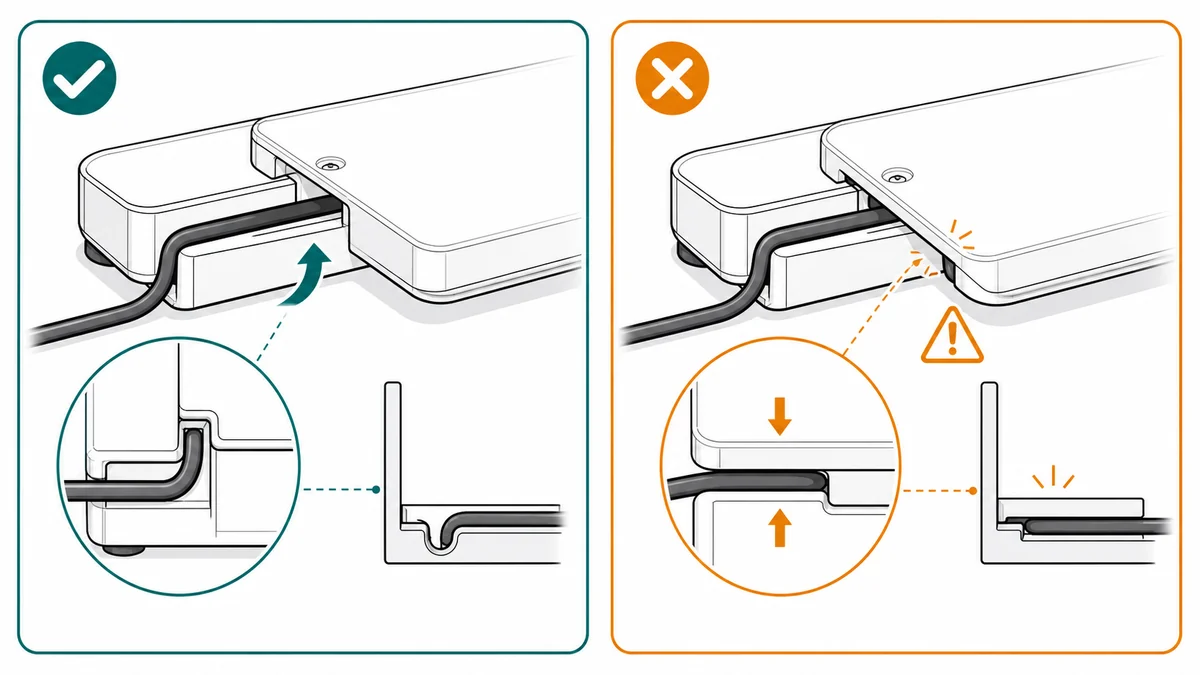
For a handling warning:
Create a two-panel safety instruction for handling a hot removable part.
Panel 1: do not touch the hot surface immediately after use.
Panel 2: wait until the indicator shows safe and hold the insulated grip.
Use clear line art, amber warning cue, hand position, and final safe handling state.
No brand logos, no legal claims, no realistic injury depiction.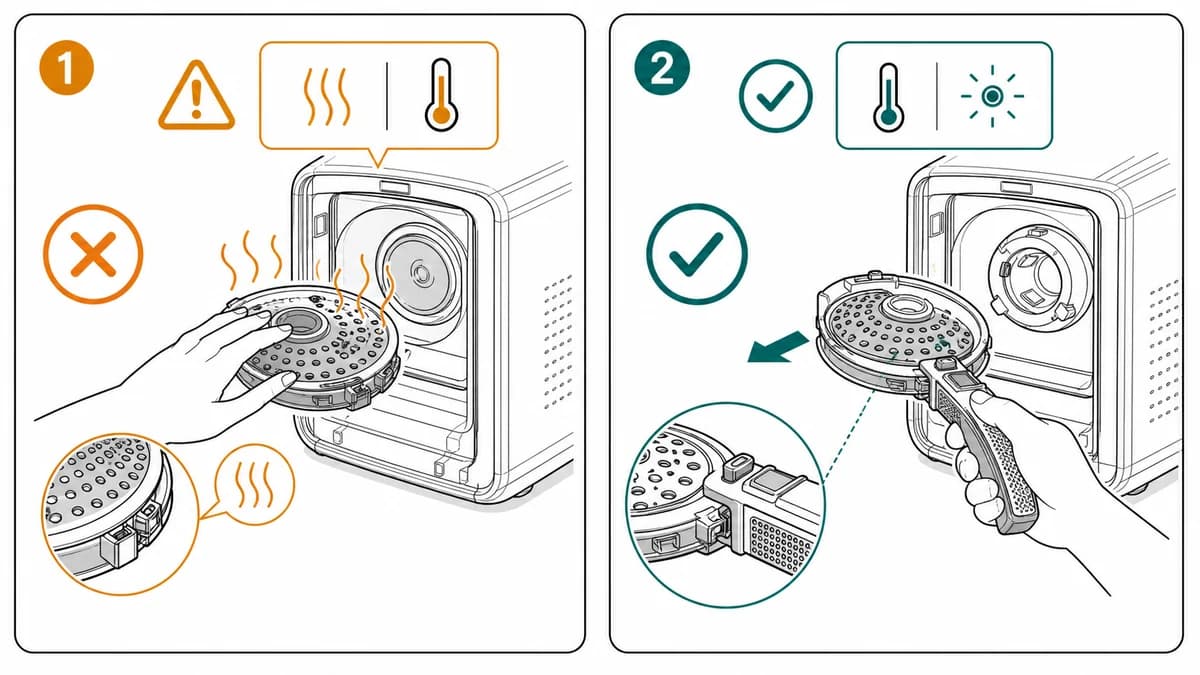
Build the safety visual from the risk
Start with the hazard, not the layout. Ask:
- What is the risky action?
- Which part of the product creates the risk?
- What does the unsafe state look like?
- What does the safe alternative look like?
- What should the user check before continuing?
- Which step must display the warning?
Then choose the image type:
- Warning panel for one risky action
- Correct/incorrect pair for a common mistake
- Close-up callout for a hidden hazard
- Final-state panel for lock, seal, power, or clearance
- Sequence panel when safety depends on order
ManualFig can draft all of these, but the source prompt needs to contain the actual risk and the required safe state. The same correct-vs-incorrect discipline carries onto the factory floor, where manufacturing work instructions pair each risky station step with PPE cues and a pass/fail check.
A practical ManualFig workflow
- Collect the product reference and the risky step.
- Write the warning in plain language for your internal brief.
- Decide whether the visual should warn, compare, or verify.
- Generate the panel in ManualFig with explicit constraints: no invented certification marks, no brand logos, no unsupported claims.
- Revise the drawing until the unsafe and safe states are visibly different.
- Send the image to the responsible reviewer before publishing.
- Reuse the approved panel in the manual, packaging insert, help center, or training material.
Use short labels. Safety labels often need translation, and long labels shrink the drawing. The picture should carry most of the meaning.
Review gate
AI-generated safety visuals should always be reviewed by the responsible team. The right workflow is draft, review, correct, and publish. Do not use generated safety claims as final compliance evidence.
Before publishing, check:
- Does the panel show the exact risky location?
- Is the safe alternative visible, not just implied?
- Are warning symbols approved for your document system?
- Is any legal, regulatory, warranty, or certification language approved?
- Does the warning appear before the user reaches the hazard?
- Would a support agent be able to use the picture to explain the issue?
- Are the correct and incorrect states different enough at print size?
Related workflows: Installation Guide Illustration Generator, Assembly Instruction Illustration Generator, and Medical Device IFU Illustration Generator. For the full document context — layout, symbols, and section structure — see the IFU design guide.
Author

Researcher · University of Arts in Poznan
Davie Chen is a researcher at the Faculty of Animation and Intermedia, University of Arts in Poznan, studying generative AI for scientific figure creation, patent illustration, instruction graphics, and manuscript drafting. ManualFig AI is one of the research-to-product tools built from this work.
View author profileCategories
More Posts
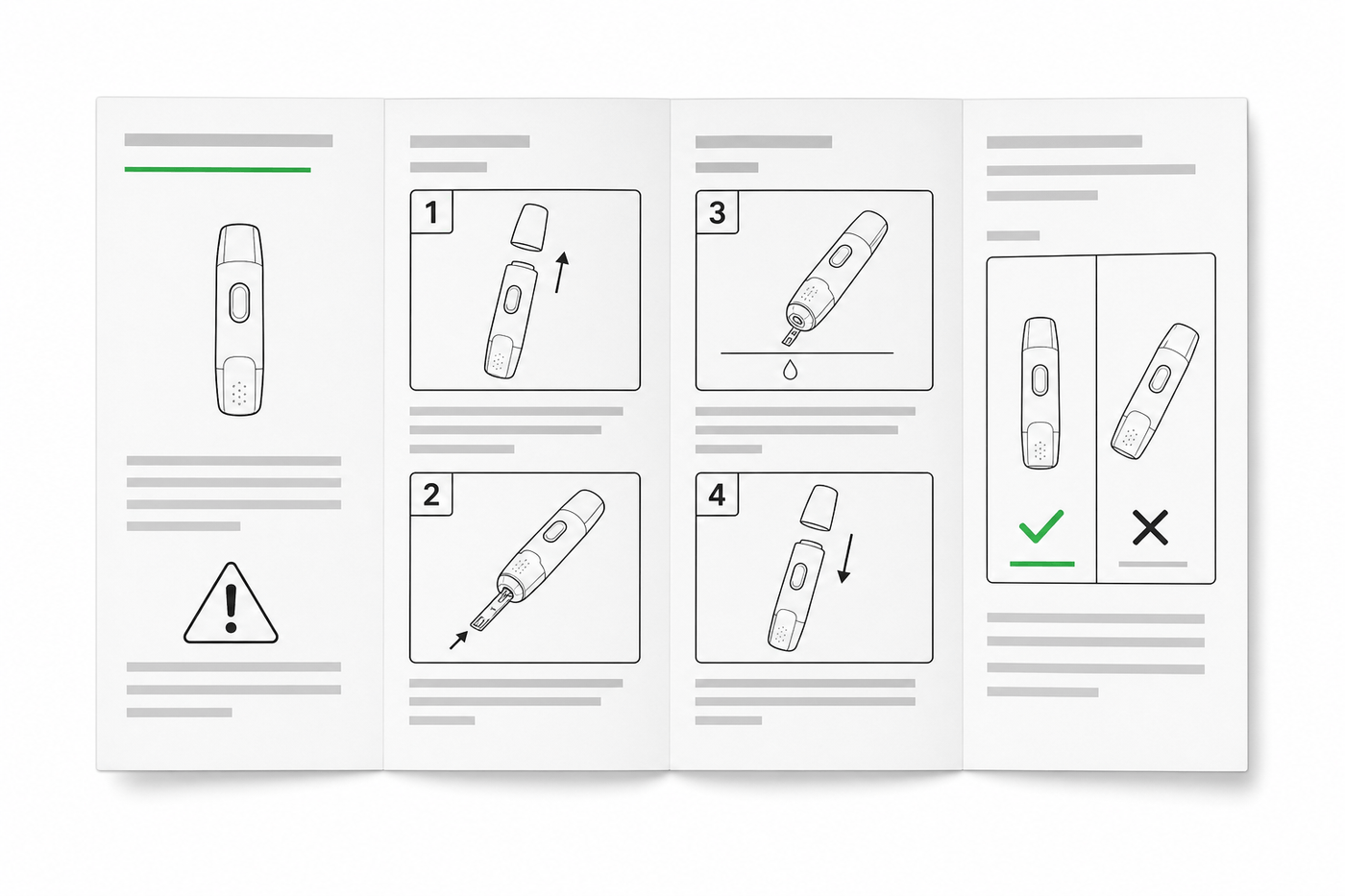
IFU Design Guide: Layout, Symbols & Examples
Practical IFU design guidance for medical devices: page layout, ISO 15223-1 symbols, warning panels, illustrations, and a reusable section template.
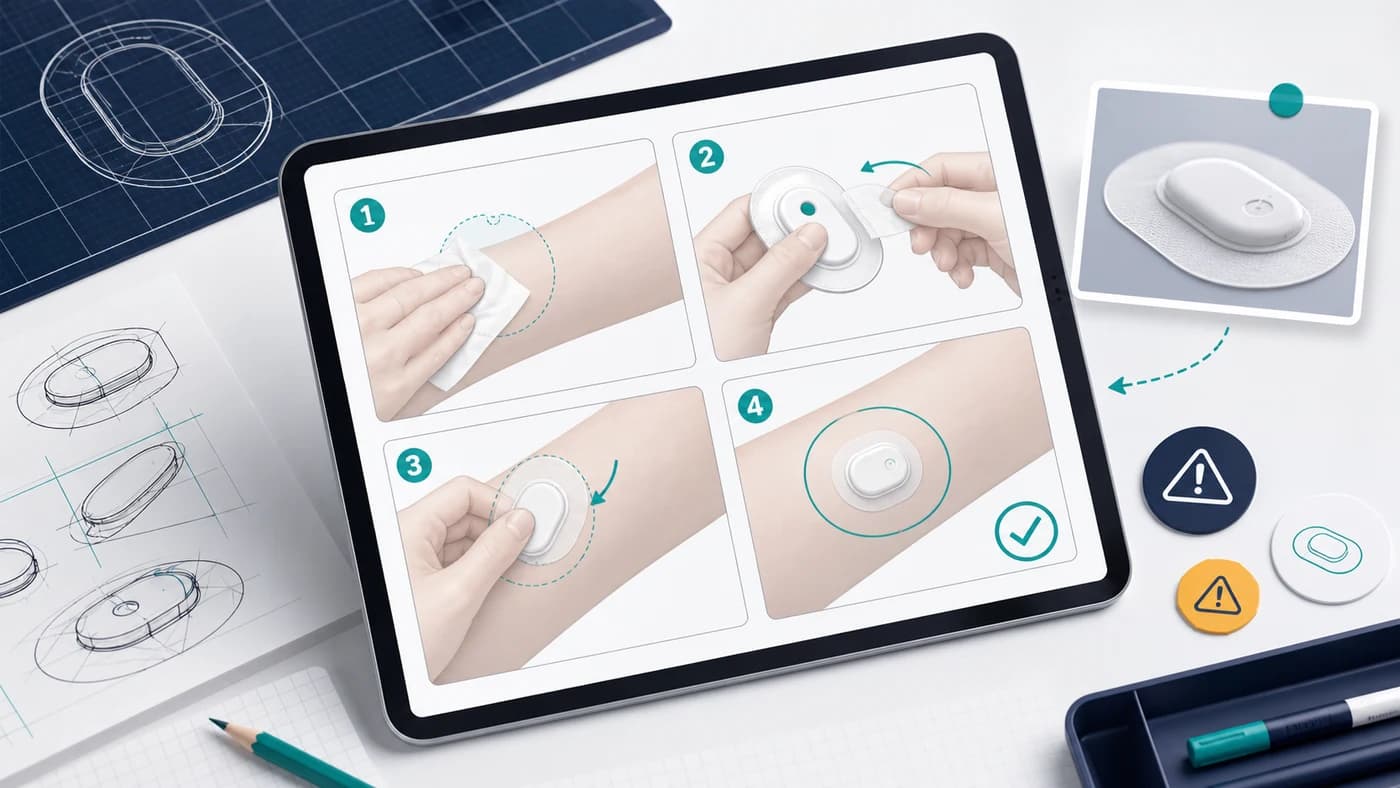
How to Create Medical Device IFU Illustrations with AI
A practical workflow for turning device photos, procedure text, and risk notes into clear medical IFU instruction panels with ManualFig.
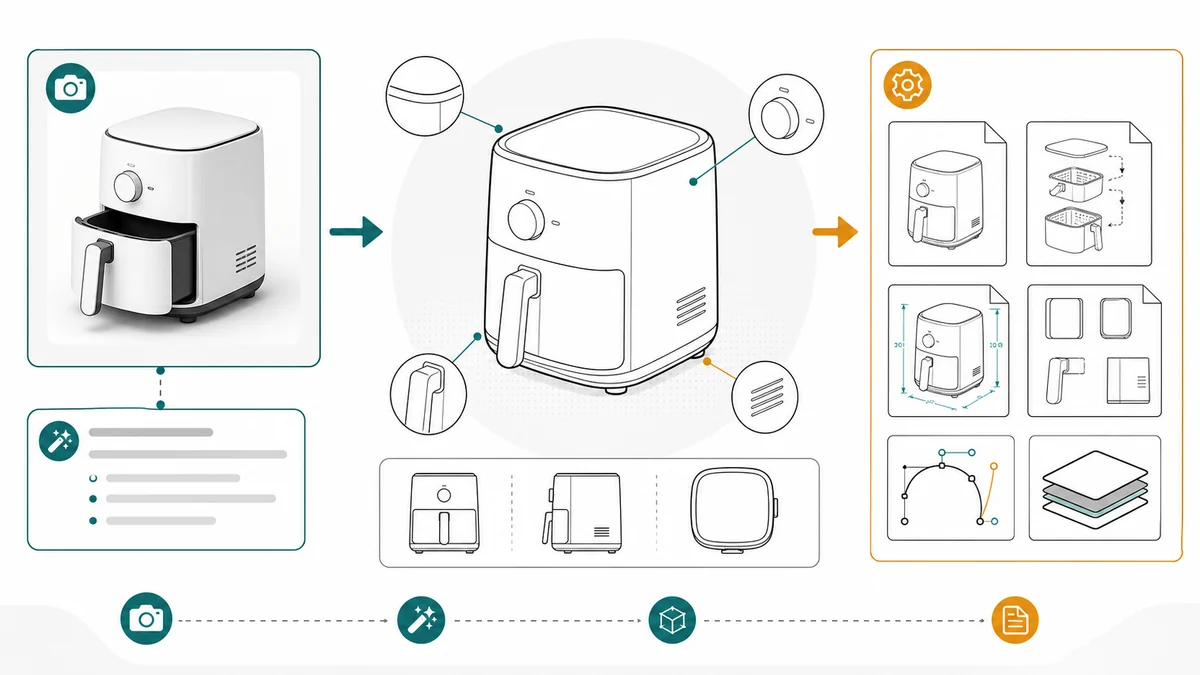
Product Line Art for Manuals: Examples, Prompts, and Output Formats
How to use product line art in manuals, packaging inserts, help centers, and support docs, with prompt examples and PNG/SVG output guidance.