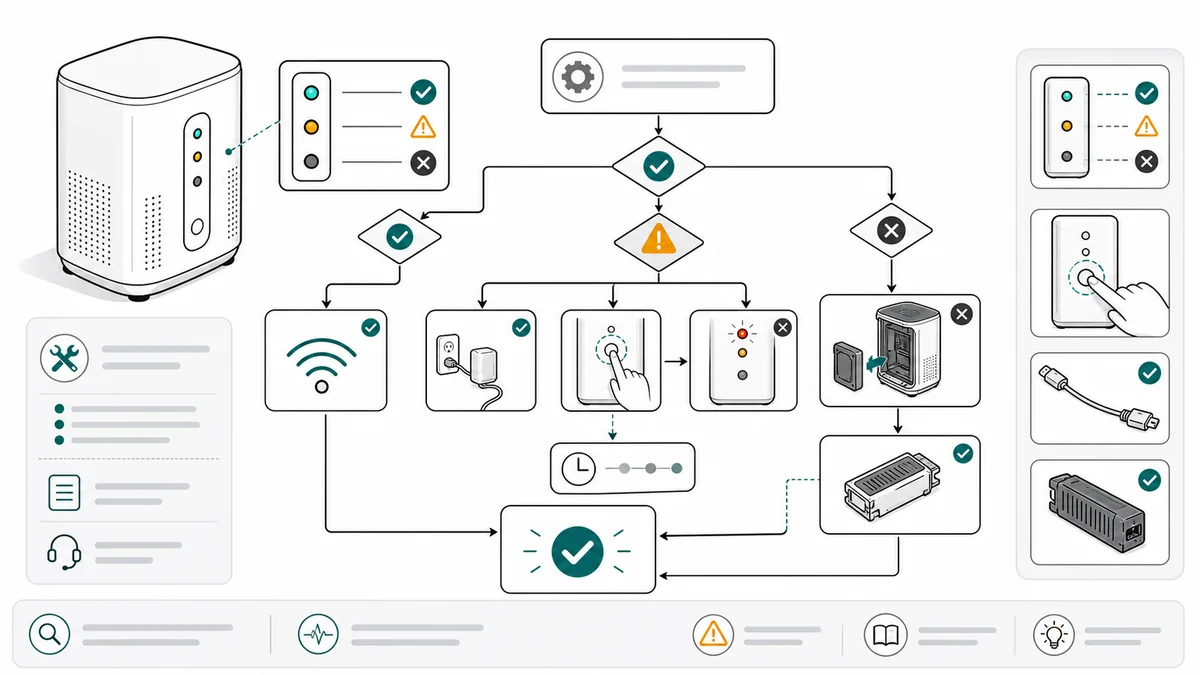
Troubleshooting Guide Illustrations for Product Support
How support and documentation teams can create troubleshooting guide illustrations for checks, resets, cleaning, replacement, and final states.
Support teams often answer the same product question again and again: where is the reset button, how should the filter sit, what does the ready light look like, which direction does the cover open?
Troubleshooting guide illustrations turn those repeated answers into visual checks.
Start from the Troubleshooting Guide Illustration Generator.
Common mistakes to avoid
Troubleshooting content fails when it describes checks that users cannot locate. "Reset the device" is not helpful if the reset button is hidden. "Check the filter" is not helpful if the user cannot tell seated from loose.
Avoid these mistakes:
- Starting with an internal cause instead of the symptom the customer sees
- Showing a generic product overview when the support issue concerns one tiny area
- Combining several checks into one crowded diagram
- Omitting the final expected state, such as ready light, click, flush fit, or no leak
- Giving text instructions without a visual close-up
- Creating a flowchart that is logical for support agents but too dense for customers
The best troubleshooting illustration acts like a support agent pointing at the exact thing to check.
Start with the symptom
A good troubleshooting visual starts with the user-facing symptom:
- Device will not power on
- Water does not flow
- Filter warning stays on
- Door will not latch
- App cannot pair
- Product leaks after replacement
Then show the check sequence.
Write the symptom in the customer's language first. Then map it to a visual check. For example:
| Customer symptom | Visual check |
|---|---|
| "The light stays red" | status light location and reset button |
| "It leaks after replacement" | gasket, filter seating, lock position |
| "The door will not close" | latch alignment and obstruction area |
| "It will not pair" | pairing button, phone distance, indicator state |
| "The cartridge does not fit" | tab orientation and insert direction |
Make each panel a support check
Each troubleshooting panel should say one thing:
- Check this indicator
- Press this button
- Open this cover
- Clean this part
- Align this component
- Confirm this final state
If support agents use a macro, the macro can become the first draft of the prompt.
Keep the panel order close to the real support conversation. Start with checks that are safe, visible, and easy. Move toward reset, cleaning, replacement, or service escalation only when the earlier checks fail.
Prompt templates
Create a four-panel troubleshooting guide illustration.
Symptom: filter warning remains on after replacement.
Panel 1: open the cover and check the filter orientation.
Panel 2: twist clockwise until the filter locks.
Panel 3: press and hold reset for 3 seconds.
Panel 4: show the green ready light.
Use clean line art, arrows, one detail zoom, and OK/X state labels.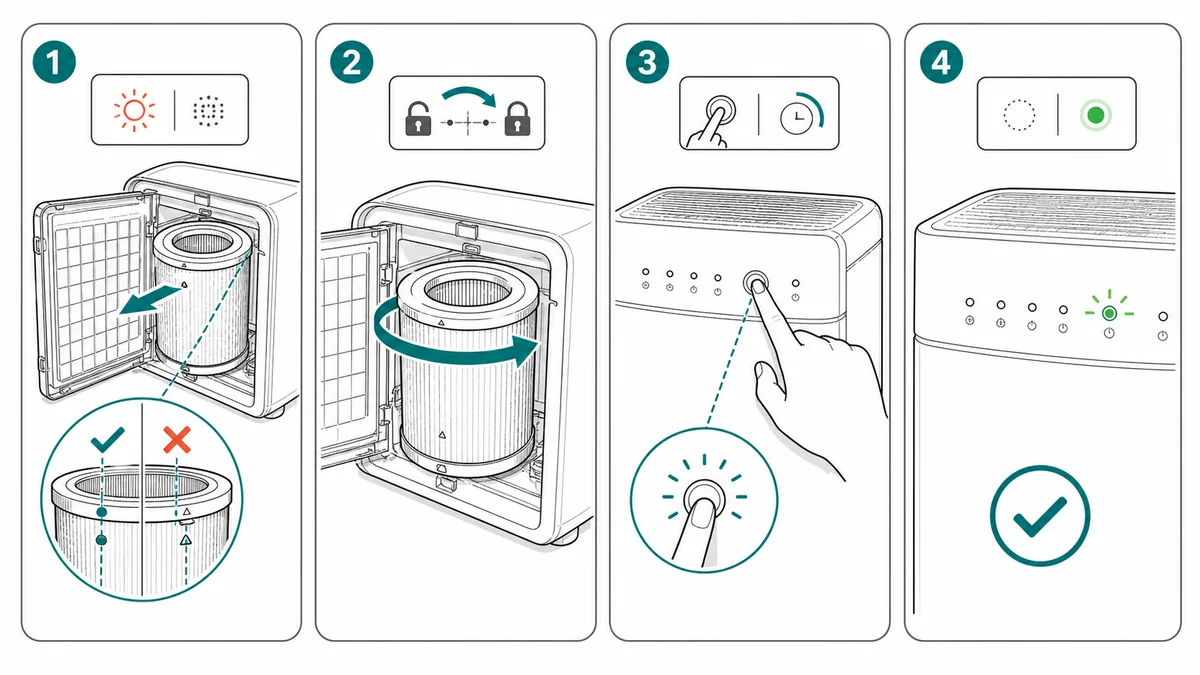
For a power issue:
Create a troubleshooting illustration for a device that will not power on.
Panel 1: confirm charging cable is fully inserted into the rear port.
Panel 2: press and hold the power button for 3 seconds.
Panel 3: check the status light location.
Panel 4: show the expected ready light.
Use clean manual line art, close-up callout on the port, blue arrows, no brand logos.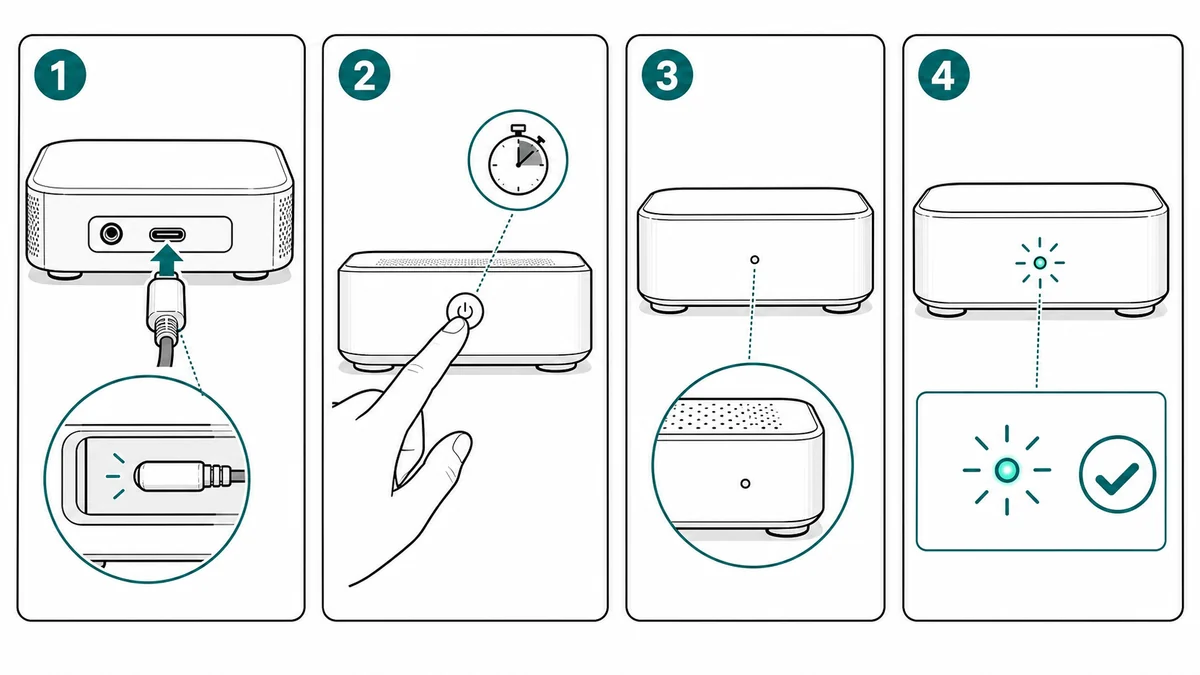
For a leak or fit issue:
Create a troubleshooting guide figure for a product that leaks after filter replacement.
Show a correct/incorrect comparison of the filter seal.
Correct: gasket flat, tabs aligned, cartridge locked.
Incorrect: gasket twisted and cartridge not fully seated.
Add one close-up callout and final no-leak check.
Use simple line art, minimal labels, no exaggerated liquid spill.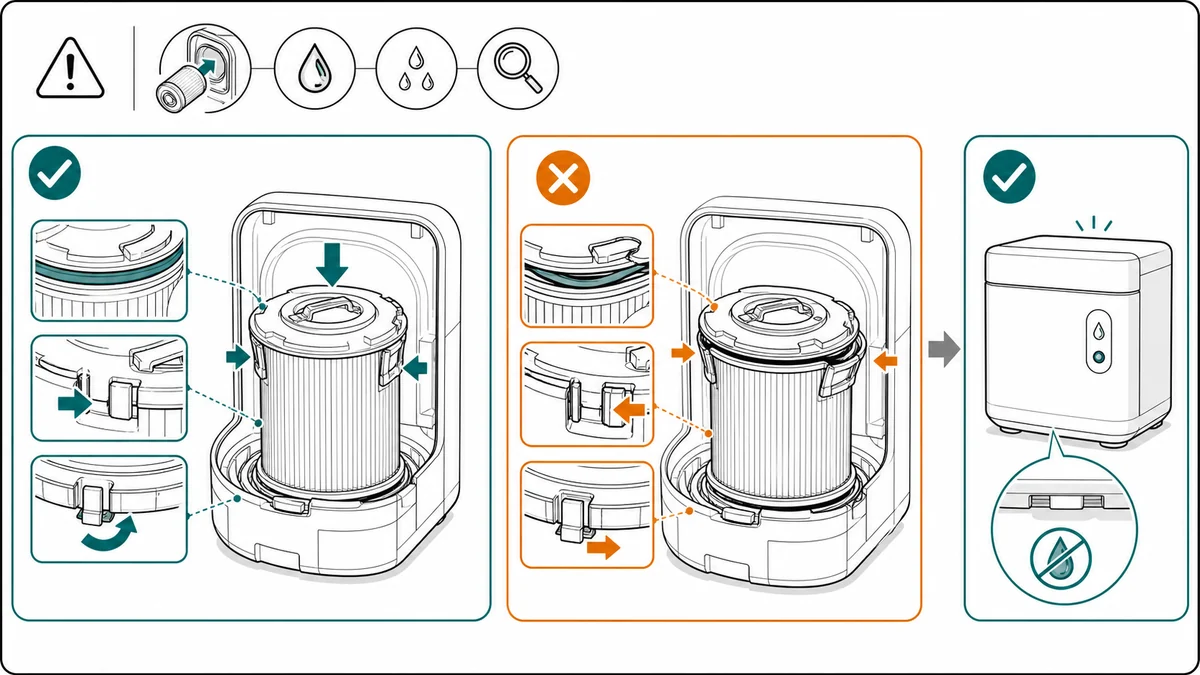
Use visual flowcharts carefully
Flowcharts help support teams, but customer-facing flowcharts can become too dense. Use them when the reader has to choose between two visible states:
- Light is on vs off
- Connector is seated vs loose
- App finds device vs does not find device
- Filter is locked vs not locked
- Error code is present vs absent
If each branch requires several actions, split the flowchart into separate illustrated checks. A support article can link from one check to the next instead of putting every branch in one image.
A practical ManualFig workflow
ManualFig can turn support knowledge into diagrams quickly if the source is structured.
- Collect the repeated support issue from tickets, macros, chat replies, or help center drafts.
- Rewrite the issue as a visible symptom.
- List the checks in the order support agents actually use.
- Add reference photos for buttons, ports, indicators, covers, filters, or latches.
- Generate one panel per check in ManualFig.
- Revise for missing close-ups, arrow direction, and final expected state.
- Export the panels for the help center, support macros, product manual, or packaging QR page.
The best result is a support asset that works in several places. The same reset-button close-up can appear in the user manual, help center article, and agent reply.
Review boundary
Troubleshooting content can affect safety, warranty, and service policy. Let AI draft the visual, then have support, product, or engineering review the final sequence.
Before publishing, check:
- Does the first panel match the customer's visible symptom?
- Does each panel show only one check or action?
- Are close-ups provided for small buttons, seals, ports, or indicators?
- Is the final expected state clear?
- Does the guide avoid promising repairs, warranty outcomes, or unsupported service steps?
- Is any escalation point clear, such as contact support or stop using the product?
Related workflows: Maintenance Procedure Illustration Generator, Product Photo to Manual Illustration, and Work Instruction Illustration Generator.
Author

Researcher · University of Arts in Poznan
Davie Chen is a researcher at the Faculty of Animation and Intermedia, University of Arts in Poznan, studying generative AI for scientific figure creation, patent illustration, instruction graphics, and manuscript drafting. ManualFig AI is one of the research-to-product tools built from this work.
View author profileCategories
More Posts
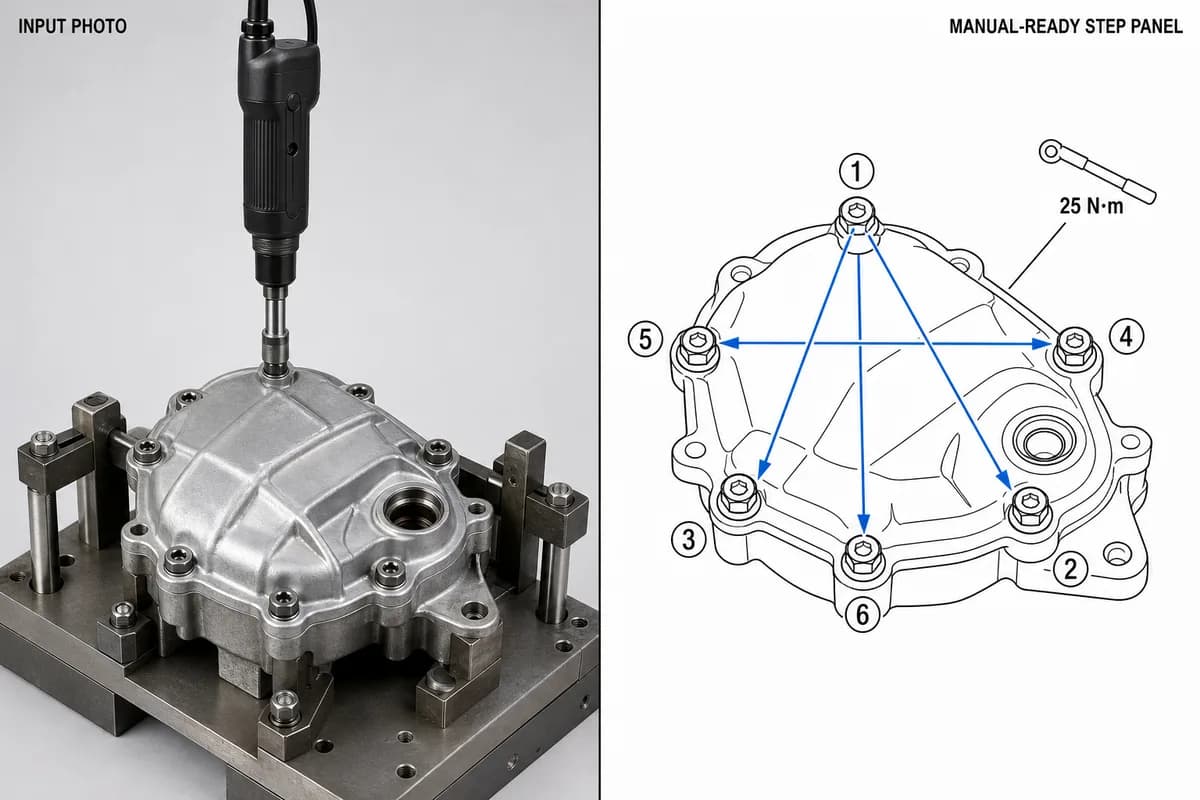
Manufacturing Assembly Instructions: Format, Examples, and How to Illustrate Each Station
What a manufacturing assembly instruction must contain, how to lay out one step per page, three worked station examples (torque, orientation, inspection), and a template you can copy.
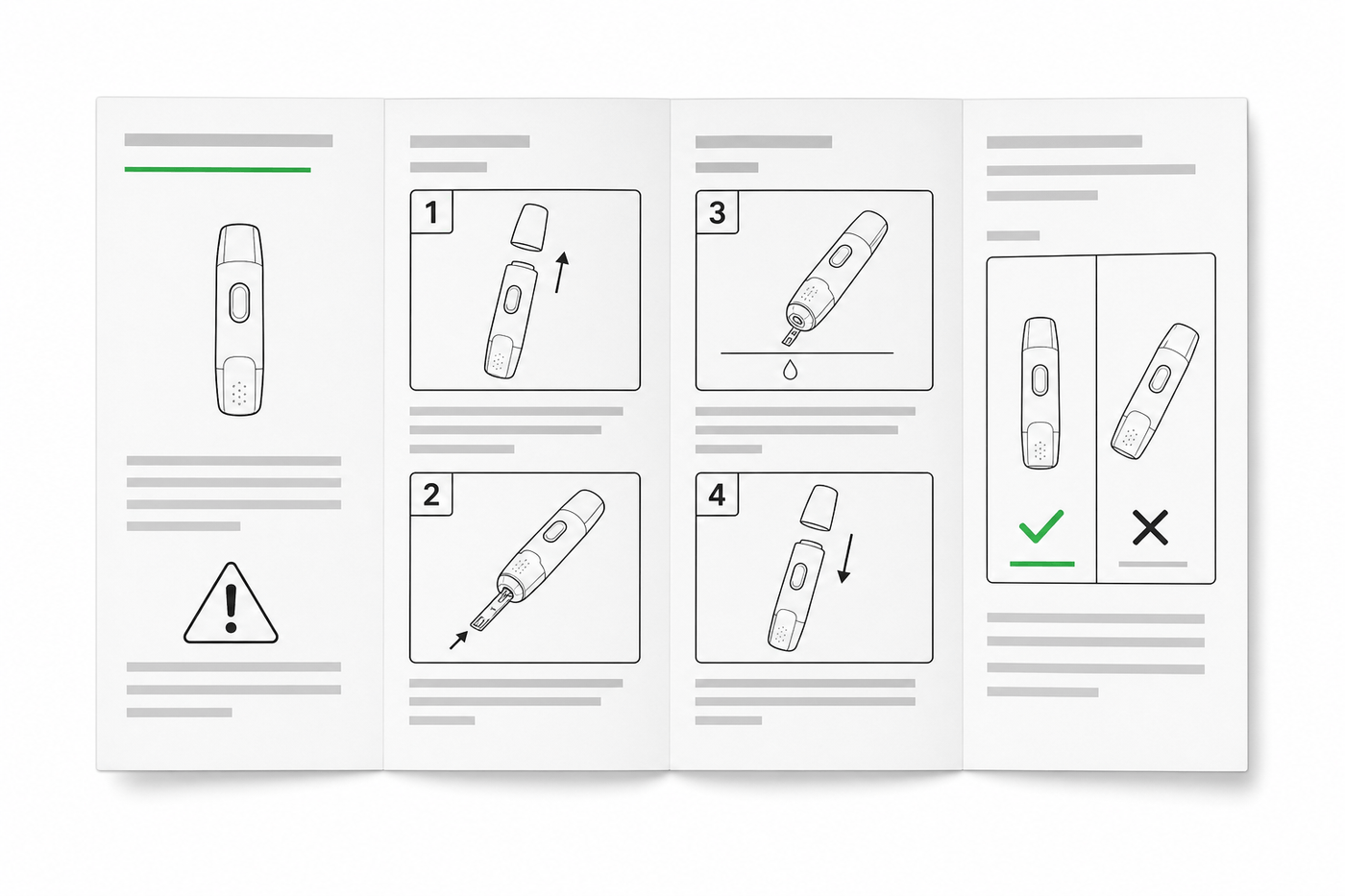
IFU Design Guide: Layout, Symbols & Examples
Practical IFU design guidance for medical devices: page layout, ISO 15223-1 symbols, warning panels, illustrations, and a reusable section template.
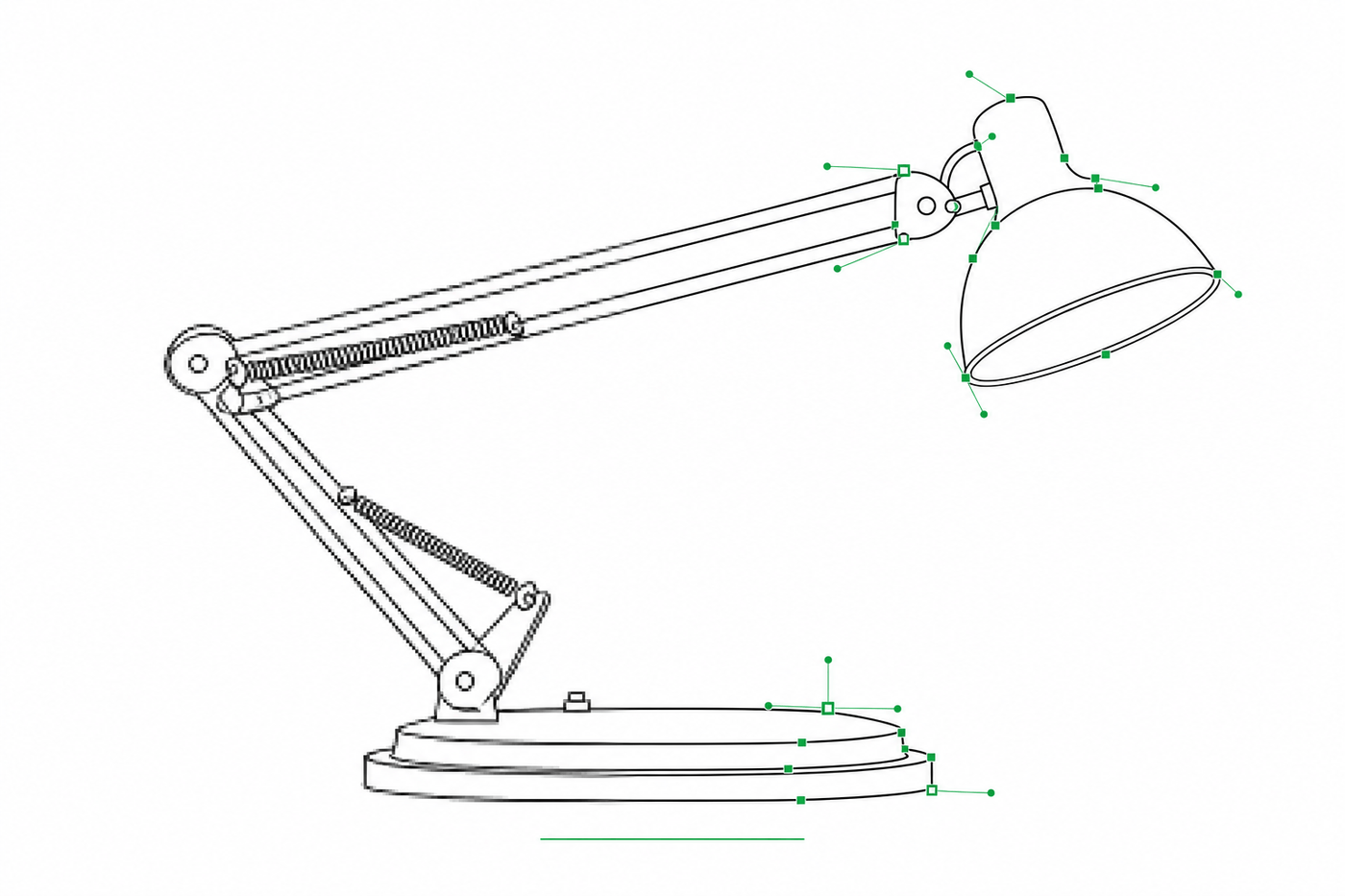
Image to SVG for Illustrator: How to Get Editable Strokes for Technical Line Art
Why many image-to-SVG conversions arrive in Illustrator as filled outlines you can't restyle — and two workflows that produce stroke-based, centerline-style SVG line art with adjustable line weights.