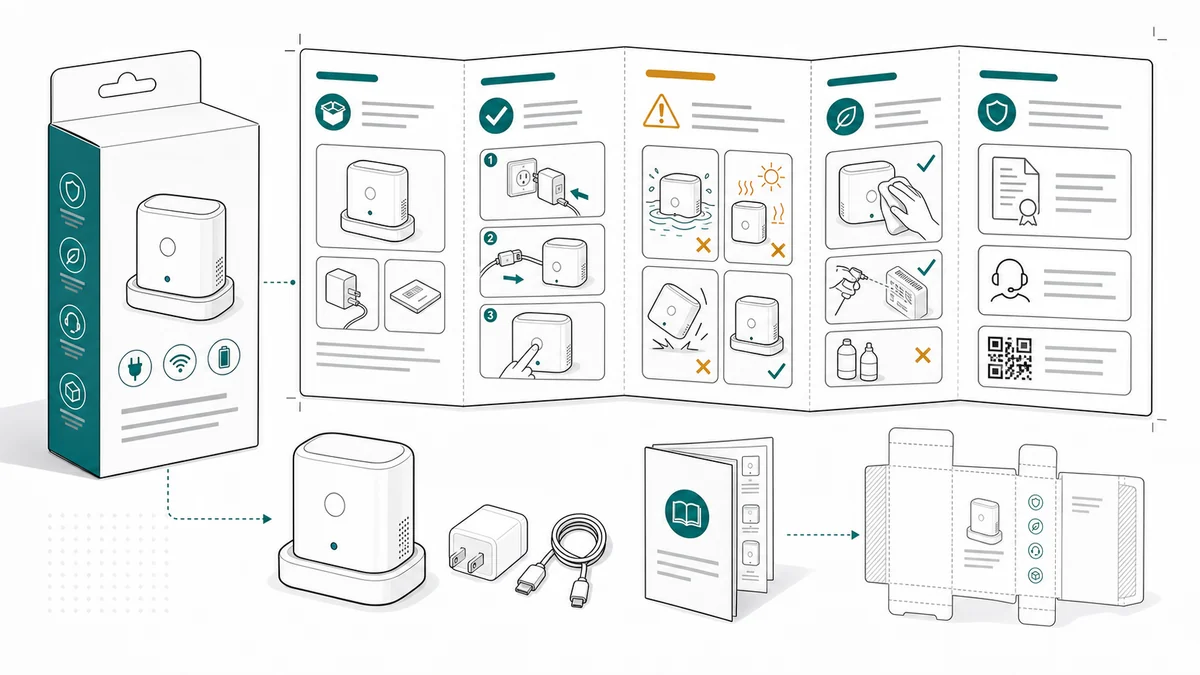
Packaging Insert Instruction Design for Amazon Products
How to design packaging insert instructions for Amazon and ecommerce products using quick start panels, safety cues, support steps, and manual-ready line art.
An Amazon product insert has very little room to explain a lot: setup, first use, safety, care, support, and sometimes warranty. The mistake is trying to make it a tiny product manual.
A better insert is a quick start guide with visual hierarchy.
Use the Packaging Insert Instruction Generator for compact insert visuals.
Common mistakes to avoid
Packaging inserts fail when they try to be everything: brand story, thank-you card, warranty page, safety sheet, setup guide, and review request. The buyer opens the box with one immediate question: what do I do now?
Avoid these mistakes:
- Starting with marketing copy before setup instructions
- Shrinking a full manual page until the labels are unreadable
- Using product photos with shadows and backgrounds that do not print clearly
- Putting support information before the buyer knows the product works
- Hiding safety or compatibility warnings on the back in tiny text
- Creating different visuals for insert, manual, and help center when one consistent set would reduce confusion
For ecommerce products, a good insert is a compact onboarding tool. It should get the buyer to first success and route edge cases to support.
Keep the first row practical
The first row should answer the buyer's immediate question:
- What do I do first?
- Which part goes where?
- How do I know it worked?
Do not start with brand copy. Start with the product action.
That first row is where visual hierarchy matters. Use the largest drawings for the first physical action, the first connection or setup step, and the final ready state. Secondary content can sit below.
Use fewer panels
For most inserts, three to five panels are enough:
- Prepare or charge
- Attach or install
- Use or pair
- Avoid a common mistake
- Confirm final state or get support
ManualFig can draft these panels from product photos and step text.
If the product needs more than five steps, split the job. The insert can show the first-use path and point to the full manual or help center for advanced setup, maintenance, or troubleshooting.
Prompt templates
Create a packaging insert instruction sheet for a small electronics product.
Use four compact panels:
1. Charge before first use.
2. Insert the module with the arrow facing up.
3. Hold the power button for 3 seconds.
4. Green light means ready.
Use clean product line art, large arrows, minimal labels, white background, no logo.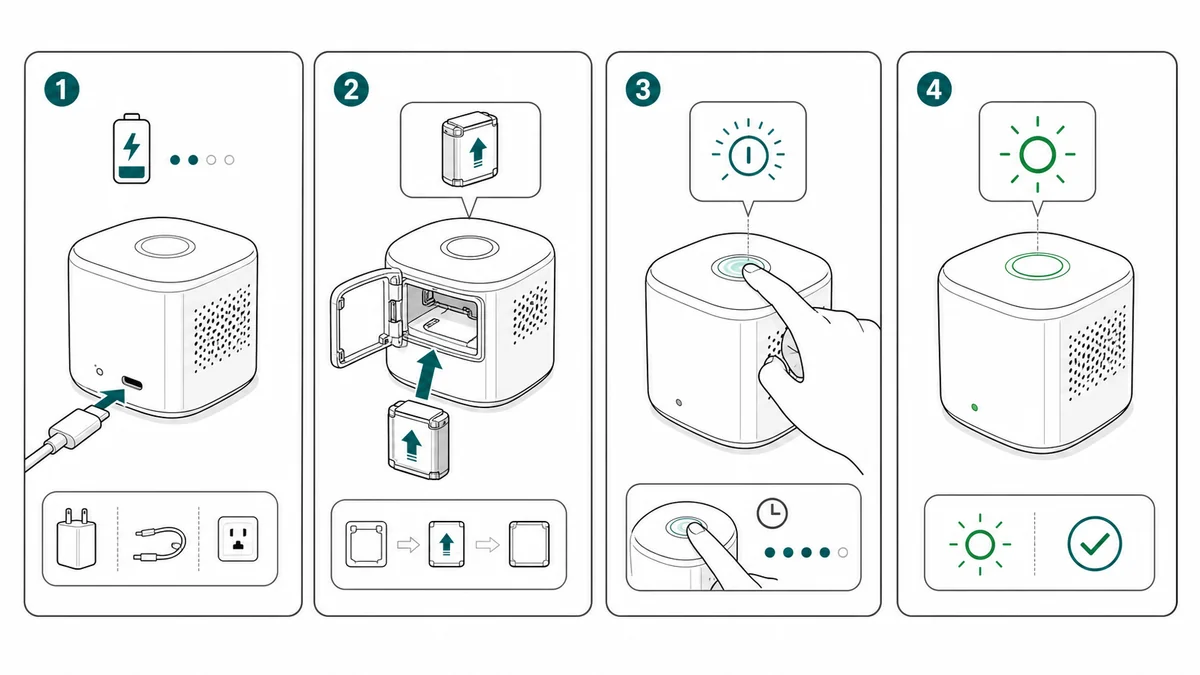
For a care or maintenance insert:
Create a compact packaging insert for a reusable product.
Panel 1: rinse before first use.
Panel 2: align the removable part with the marked slot.
Panel 3: lock the part until it clicks.
Panel 4: clean after use and let dry.
Use clean black line art, large icons, blue arrows, and one amber caution cue.
No marketplace logos, no fake QR code text, no long labels.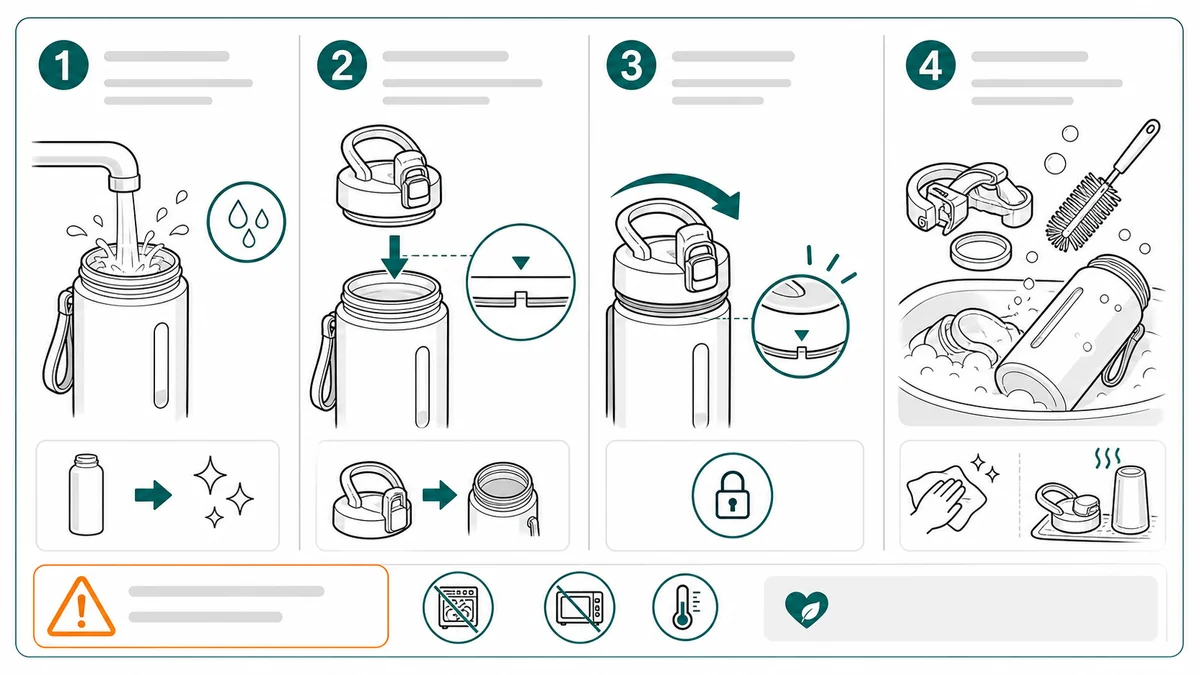
For a support handoff:
Create a packaging insert support panel.
Show three visual checks before contacting support: cable seated, part locked, ready light on.
Add an abstract QR-style square and support icon, but no readable URL.
Use simple line art, high contrast, print-friendly spacing.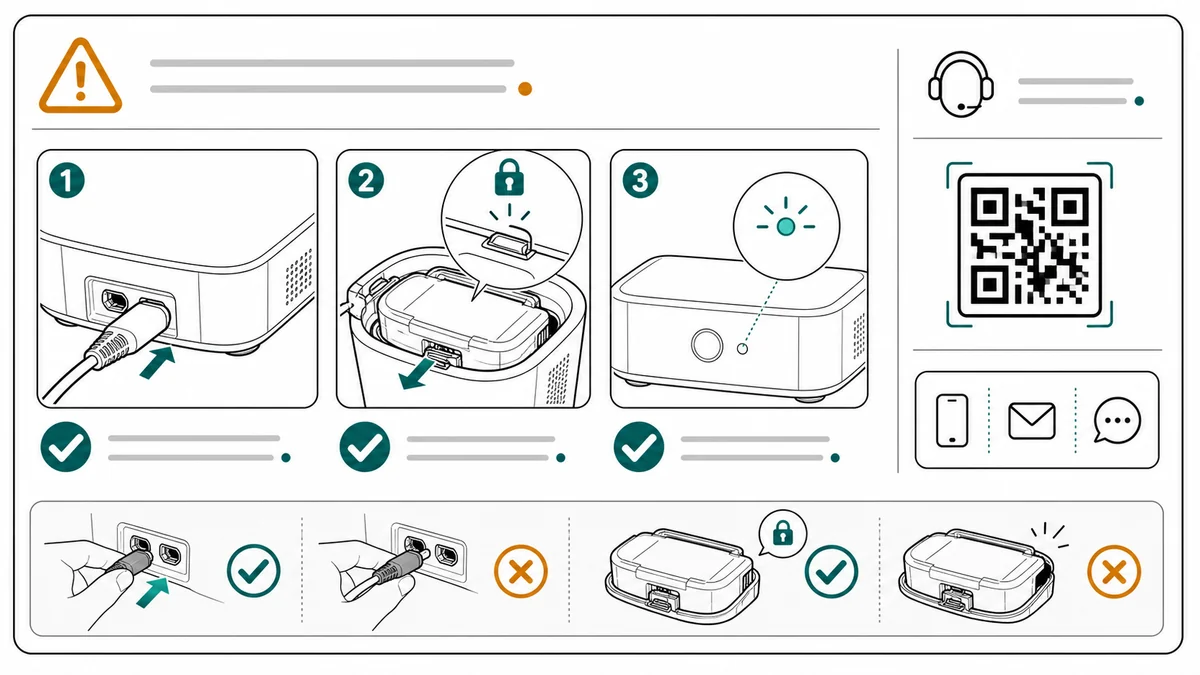
Layout guidance for small print
Inserts have constraints that blog graphics and help center pages do not:
- They may be folded, so critical steps should not cross fold lines.
- They may be printed small, so labels should be short.
- They may be read in poor lighting, so contrast matters.
- They may be localized later, so text should not be baked into complex artwork.
- They may share space with compliance, support, or warranty copy.
That usually means larger drawings, fewer panels, and more white space. A sparse insert is often more useful than a dense one.
What to include
A practical insert usually needs five content zones:
- First-use sequence: the minimum steps to get started
- Safety or compatibility cue: only the warning that affects first use
- Care or maintenance reminder: if neglect creates returns or support questions
- Support handoff: QR, help page, or contact path
- Full manual path: where to find detailed setup, specs, warranty, or troubleshooting
Not every product needs all five on the same side. The rule is to keep the first-use action visually dominant.
A practical ManualFig workflow
Use ManualFig to generate the visual assets before final layout.
- Upload the product photo, packaging photo, or existing manual image.
- Write the first-use flow in three to five steps.
- Mark the one mistake buyers are most likely to make.
- Generate compact line-art panels.
- Revise for print size: fewer details, larger arrows, shorter labels.
- Export PNG for ecommerce content or SVG for print/layout tools.
- Reuse the same panels in the help center and full manual.
Do not generate the whole insert as one final artwork too early. Generate the panels first, then place them in the layout. That gives the designer or founder room to adjust fold lines, QR placement, legal copy, and translation.
Reuse the same assets
Good insert visuals should also support help center articles, follow-up emails, and customer support replies. Export PNG for ecommerce content and SVG for print or layout tools.
The insert can become the center of a small content system:
- The printed card uses the compact setup panels.
- The QR page repeats the same panels with more detail.
- The help center article expands each panel into a section.
- Support agents reuse the same images in replies.
- The product manual uses the approved panels in the setup chapter — an instruction manual generator with pictures builds that longer document from the same photo references.
That consistency matters. If the insert says one thing and the help article shows a different angle or arrow direction, the buyer may think they are looking at a different version of the product.
Review checklist
Before printing or publishing, check:
- Can the buyer understand the first step in five seconds?
- Are the drawings readable at final print size?
- Are fold lines clear of critical arrows and labels?
- Is the support path present but not more prominent than setup?
- Are safety, warranty, marketplace, or claim-related statements approved?
- Are generated logos, certification marks, fake QR text, or fake marketplace marks removed?
- Do insert, manual, and help center visuals match?
Related pages: Amazon Product Manual Generator, Quick Start Guide Illustration Generator, and Product Line Art Generator.
Author

Researcher · University of Arts in Poznan
Davie Chen is a researcher at the Faculty of Animation and Intermedia, University of Arts in Poznan, studying generative AI for scientific figure creation, patent illustration, instruction graphics, and manuscript drafting. ManualFig AI is one of the research-to-product tools built from this work.
View author profileCategories
More Posts
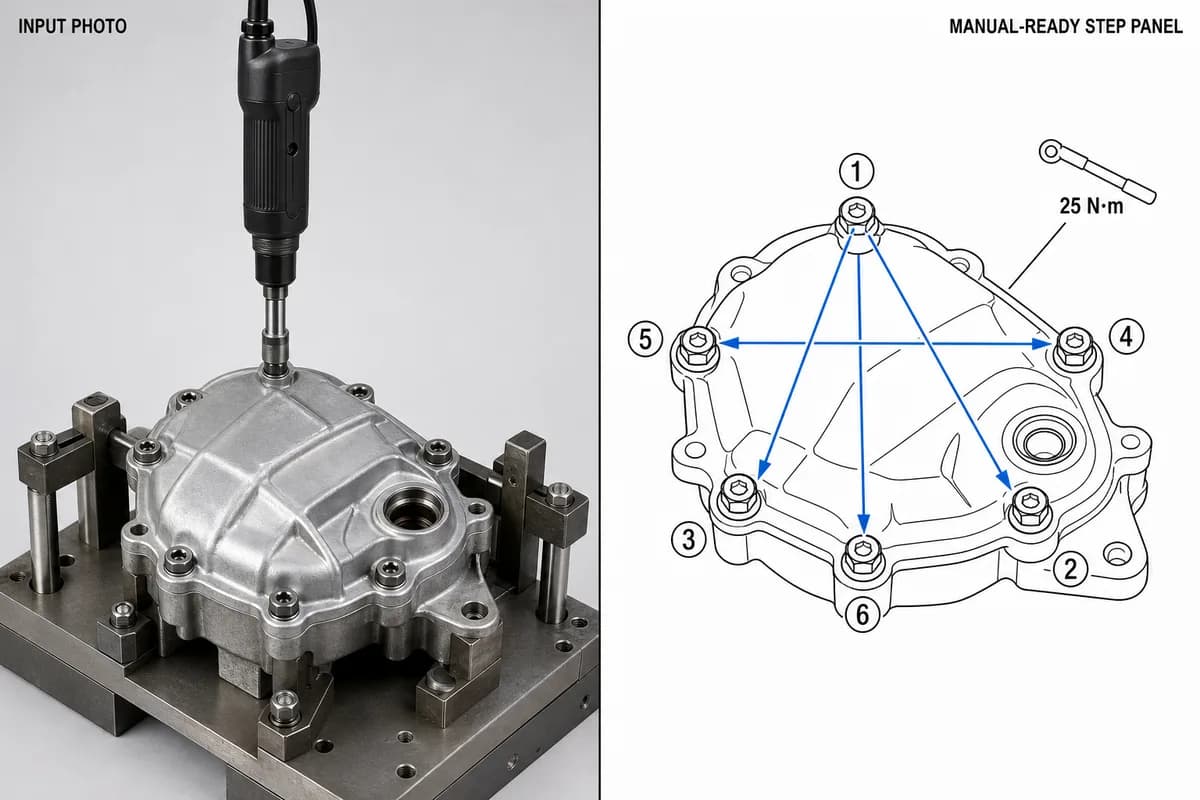
Manufacturing Assembly Instructions: Format, Examples, and How to Illustrate Each Station
What a manufacturing assembly instruction must contain, how to lay out one step per page, three worked station examples (torque, orientation, inspection), and a template you can copy.
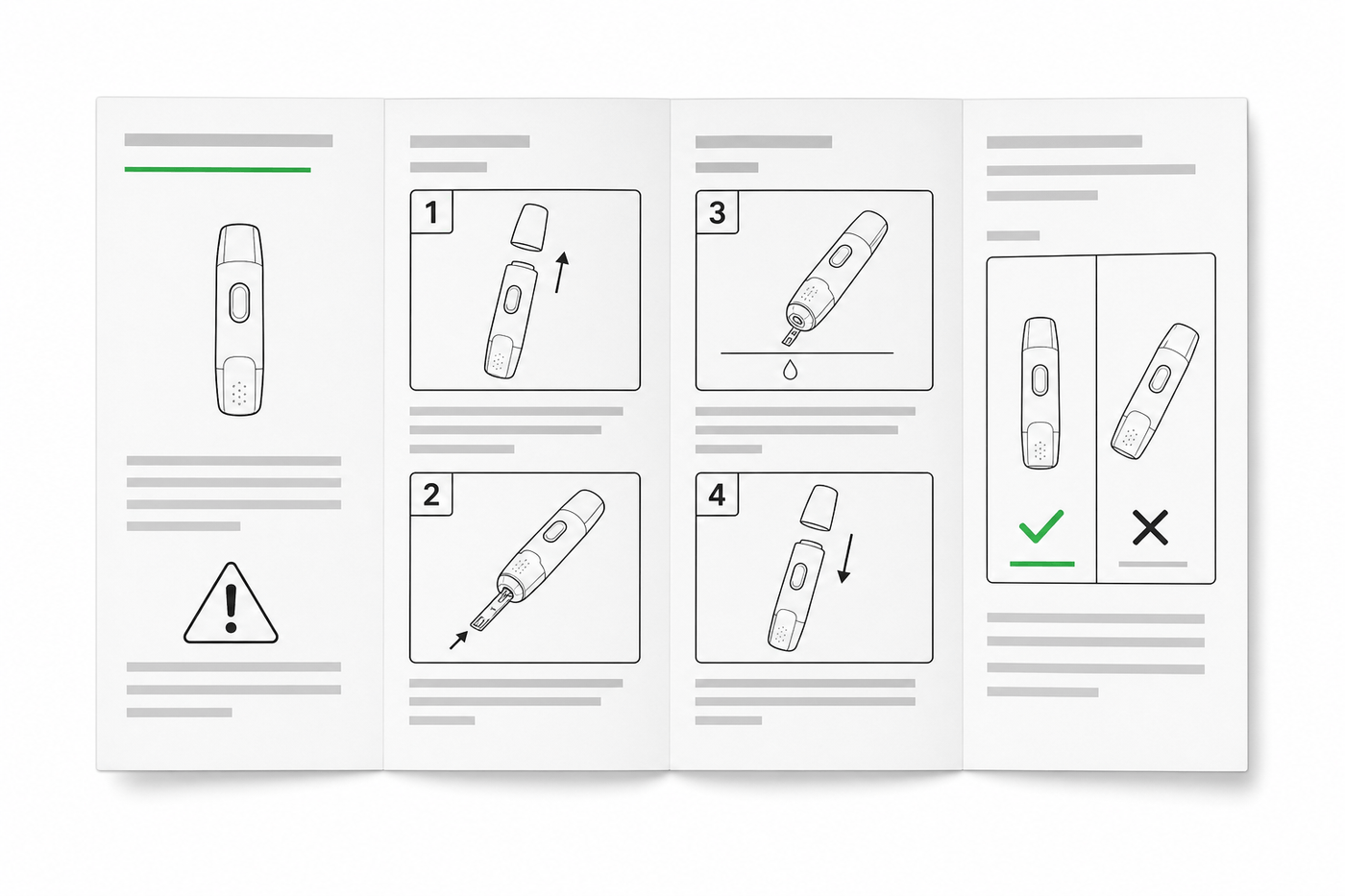
IFU Design Guide: Layout, Symbols & Examples
Practical IFU design guidance for medical devices: page layout, ISO 15223-1 symbols, warning panels, illustrations, and a reusable section template.
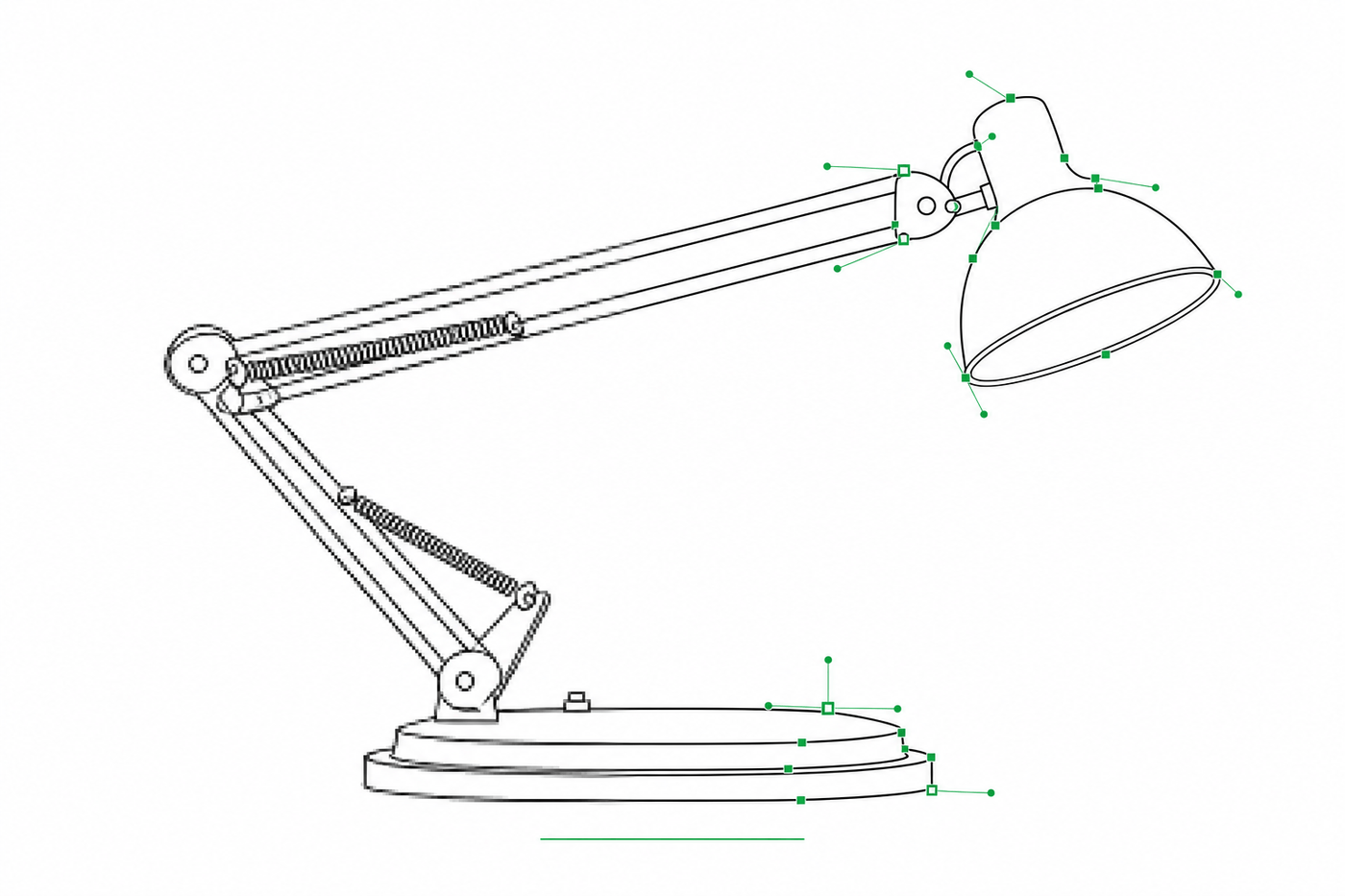
Image to SVG for Illustrator: How to Get Editable Strokes for Technical Line Art
Why many image-to-SVG conversions arrive in Illustrator as filled outlines you can't restyle — and two workflows that produce stroke-based, centerline-style SVG line art with adjustable line weights.